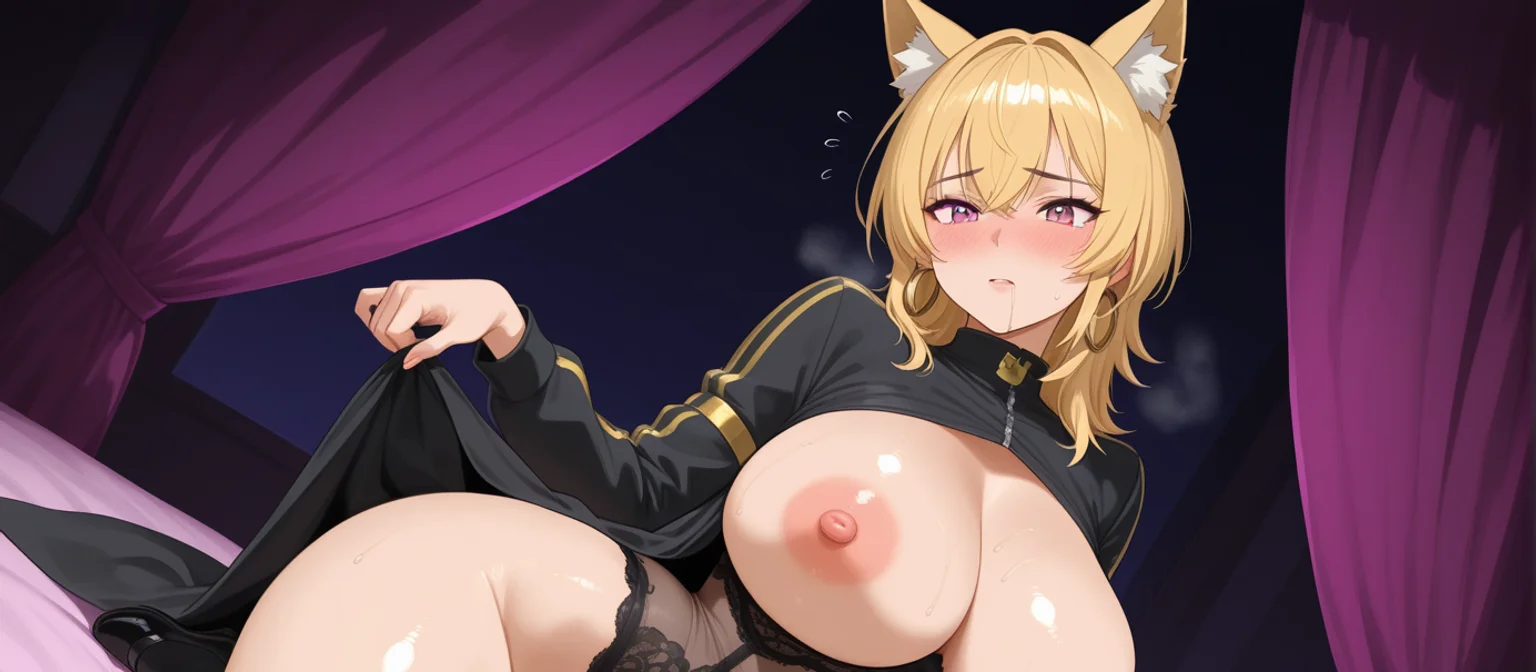
Uncensored AI Generator: Build Your Waifu in Minutes
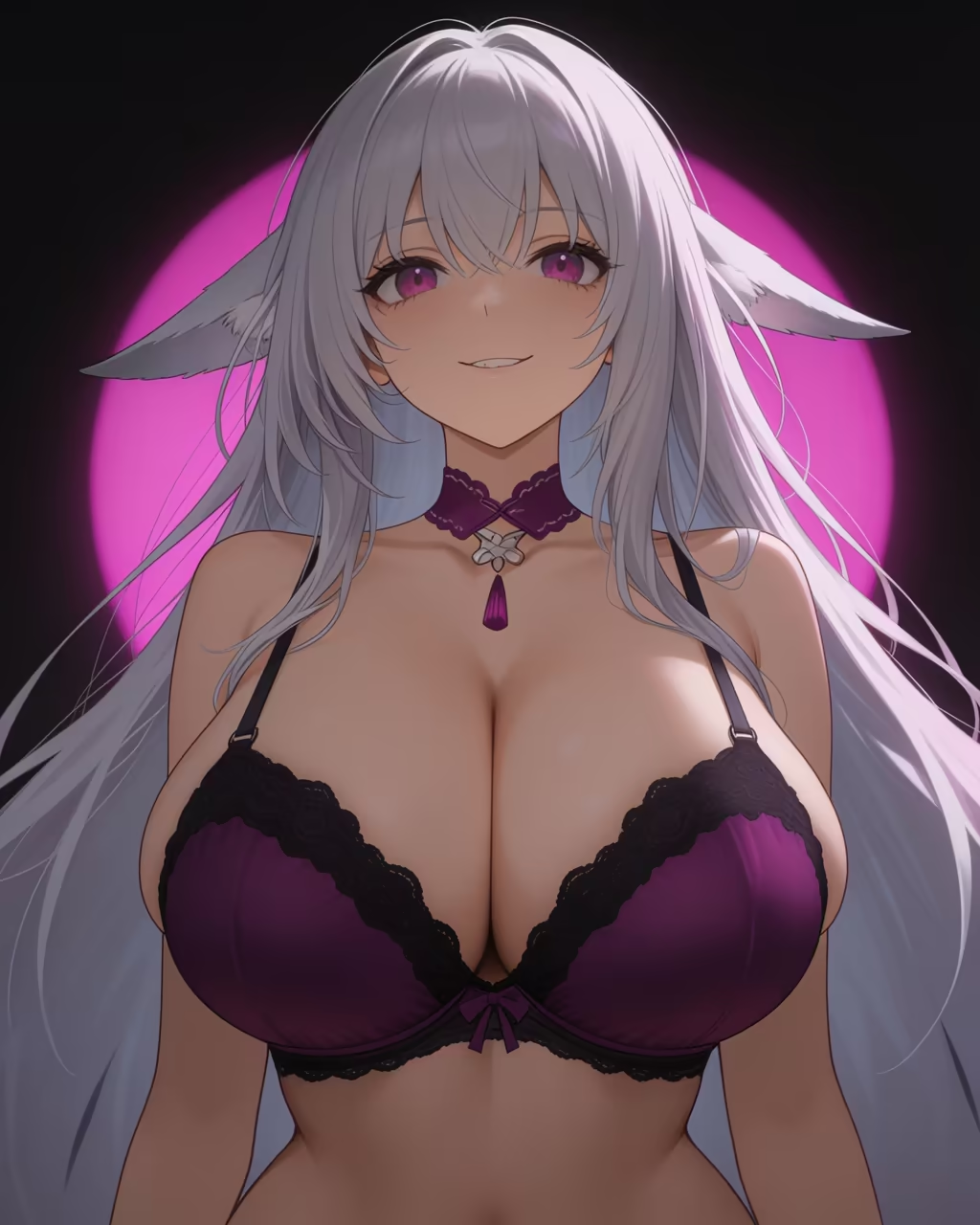
Most uncensored AI generators hand you a gorgeous anime girl once, then a total stranger the next time you hit the button. Below is the workflow I use to keep one waifu intact across photos, conversation and clips, plus the scorecard that shows why GoLove.ai handles it best.
Four Kinds of Uncensored AI Generator, Scored
Here's the myth: once a tool stops refusing, the job is done. I'm not buying it. In practice, uncensored means no refusals for adult fictional content. Every serious platform still has limits on real people and minors, and it should. Past that point, what decides it is whether your character survives the second click. (For the chat side, see our breakdown of NSFW anime waifu apps.)
| Row | Filtered mainstream tools | Single-purpose NSFW image sites | Self-hosted Stable Diffusion | GoLove.ai |
|---|---|---|---|---|
| Refusals on adult fiction | Frequent | Rare | None, your own rules | None for fictional adults |
| Character consistency | Weak | Weak, new face per click | Possible with LoRA work | Strong, built from a saved character |
| Video | Filtered | Rare | Extra workflows | Preset-card video + photo-to-video |
| Chat and memory context | Filtered chat | None | None | Chat, memory, voice calls |
| Mobile use | Yes | Browser only | Hard, desktop GPU | Full app tabs |
| Setup cost/effort | Low | Low | High | Low, 2 free stars daily |
The one I'd actually use is GoLove.ai. It's the only column that's green on consistency, video and chat together. You don't have to build anything to start, either. 300+ anime girls are already waiting in Explore, so you can pick a face now and generate with her in the next minute.
Step 1: Start From a Character, Not a Prompt
Prompt-only generators drift for a simple reason: nothing carries over between clicks. Type "silver-haired elf, red eyes" and the model rebuilds her from scratch every time, face included. Generate from a persistent character instead, and her look becomes the starting point. Every image begins from the same girl.
SHE SENDS THE PHOTOS
She sends anime photos straight into the chat.

Preset GoLove girls vs your own custom character
There are two routes. Pick one of the 300+ ready-made anime girlfriends, or build your own in Create under Realistic, Anime or Trans. There's also Design with AI, where you describe the concept in text and it drafts the character for you. More on that in how the waifu builder shapes a custom character.
Settle these before you generate:
- Look: hair, eyes and body type, locked in once
- Personality: flirty, shy or submissive, which shapes the chat later
- Style: anime or realistic. Pick one and don't mix them
Why the roster matters for consistency
With 300+ girls on the roster, your fixed reference already exists. You skip the reroll lottery entirely.
Keeping several waifus without losing track
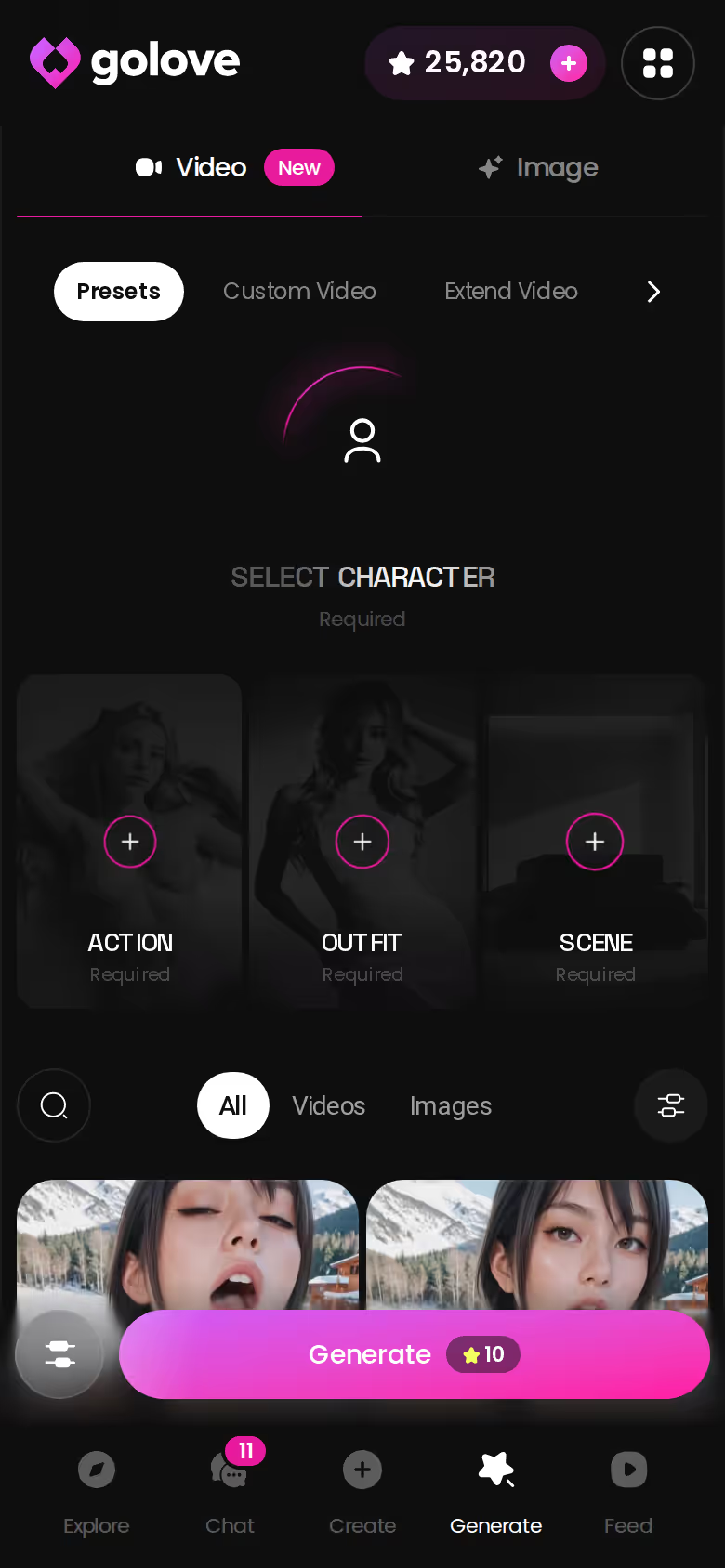
Juggling more than one? The chats list shows each character with a last-message preview, so switching between girls doesn't mix up anyone's story.
Step 2: Stack Presets in Image Mode
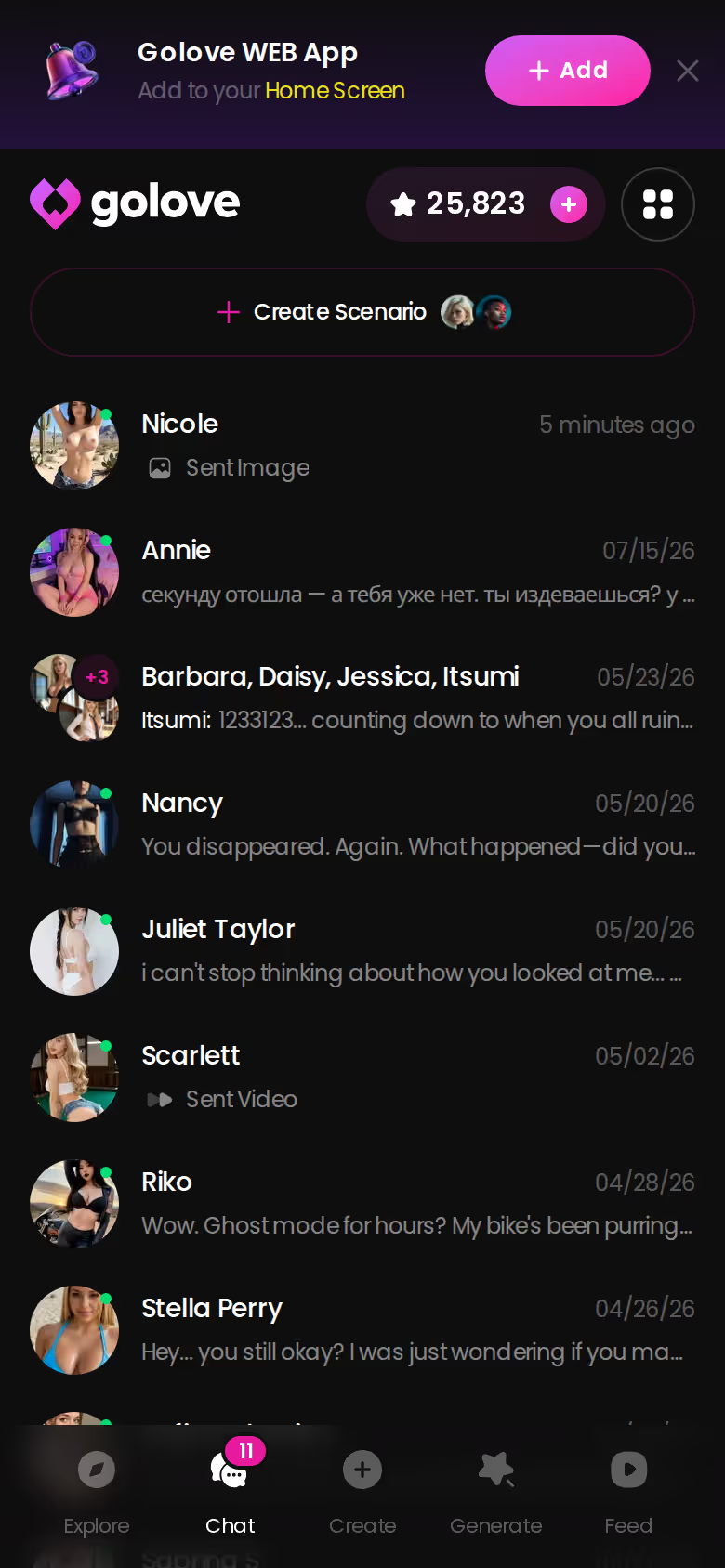
This is where the "refusals" row earns its green. The click path:
- Open Generate and pick the Image tab.
- Swap in your character using the avatar at the top right.
- Stack an Action, an Outfit and a Scene preset.
- Pick a batch of 2, 4 or 8 images.
- Hit Generate. Results save to her gallery.
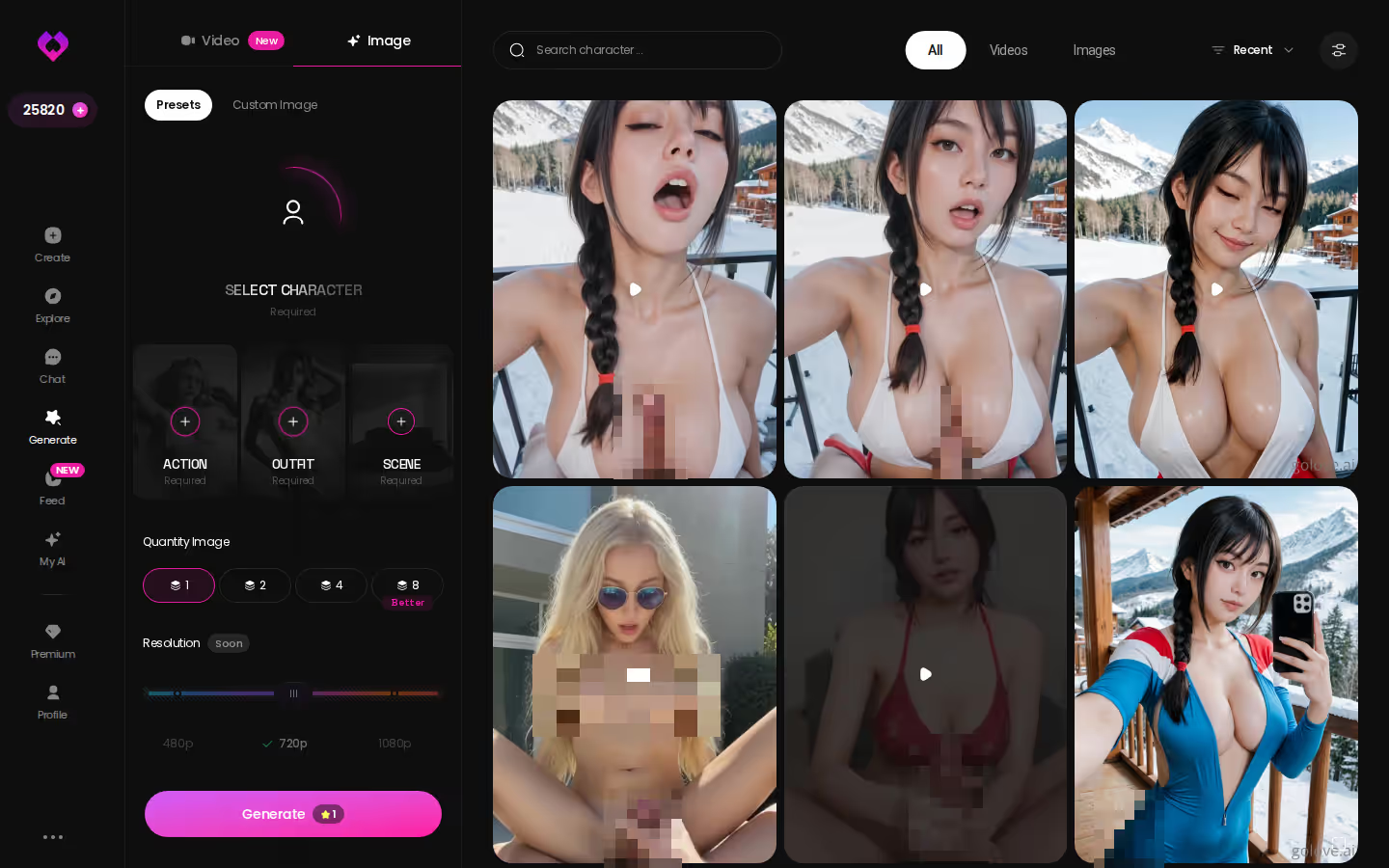
Action, Outfit and Scene: how the stack combines
Each layer does one job. The realistic set has 35 picture poses. The anime set adds 15 of its own, including hentai-only modes like tentacle and ahegao, for 89 across all four categories. On top of that come 21 outfits and 34 backgrounds, and every layer has a custom option for when a preset isn't quite right. Why presets over freehand prompting? The character stays fixed and you only change the variables you picked. A typed paragraph gives the model room to reinvent her face.
Choosing a batch size
Use 2 to test a new combo and 8 once you know it works. Stars get spent either way, so don't waste an 8-batch on a guess.
Where finished images land
Everything goes to that character's Gallery, sorted by date, so every image of her stays together in one place.
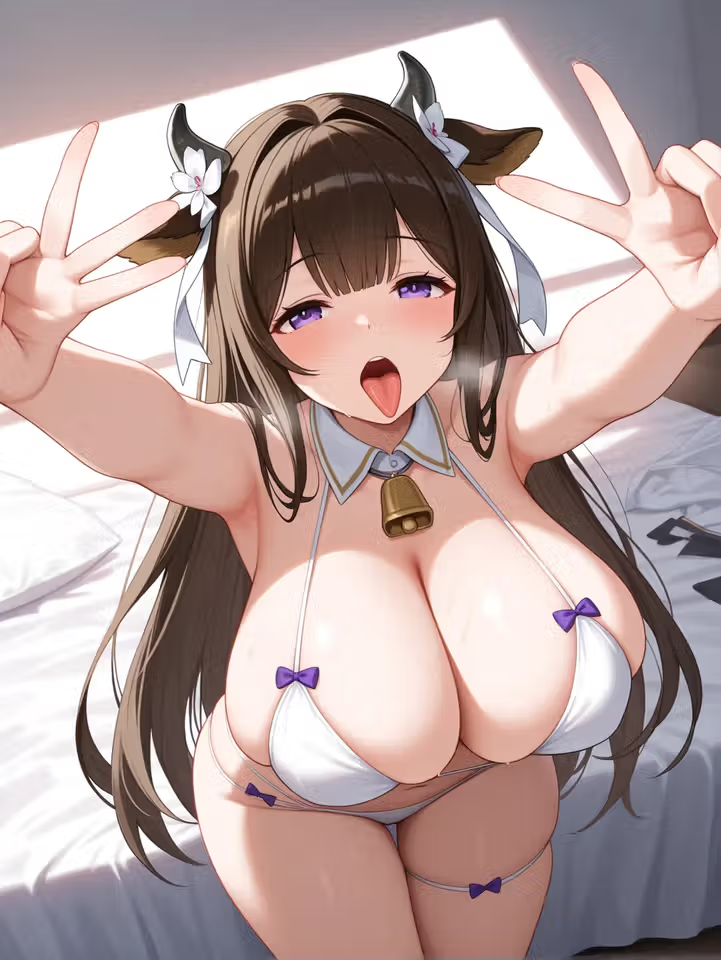
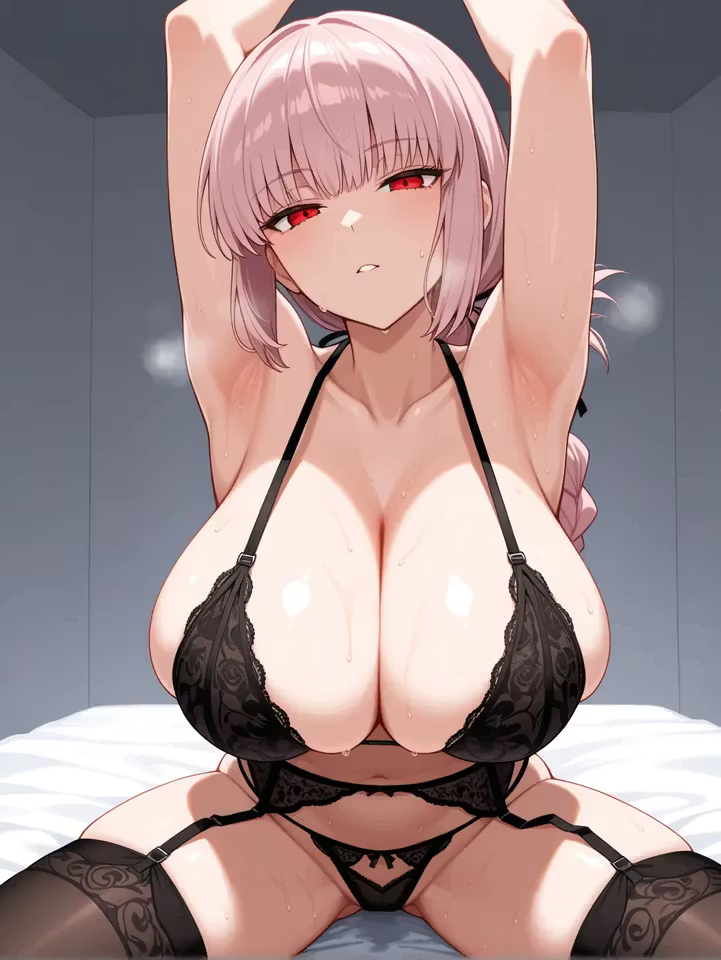
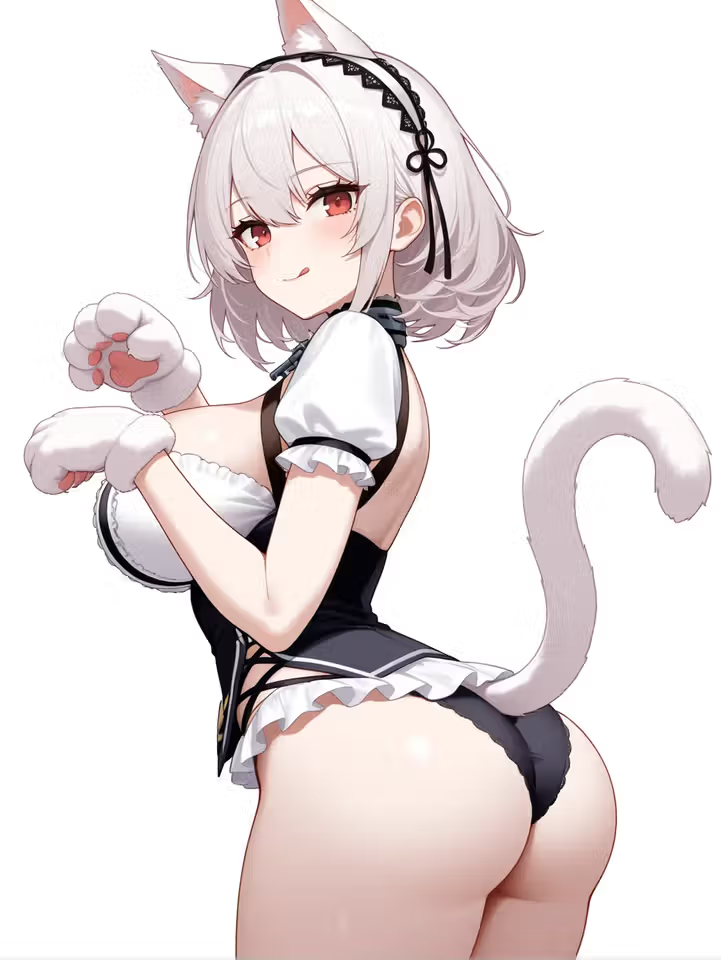
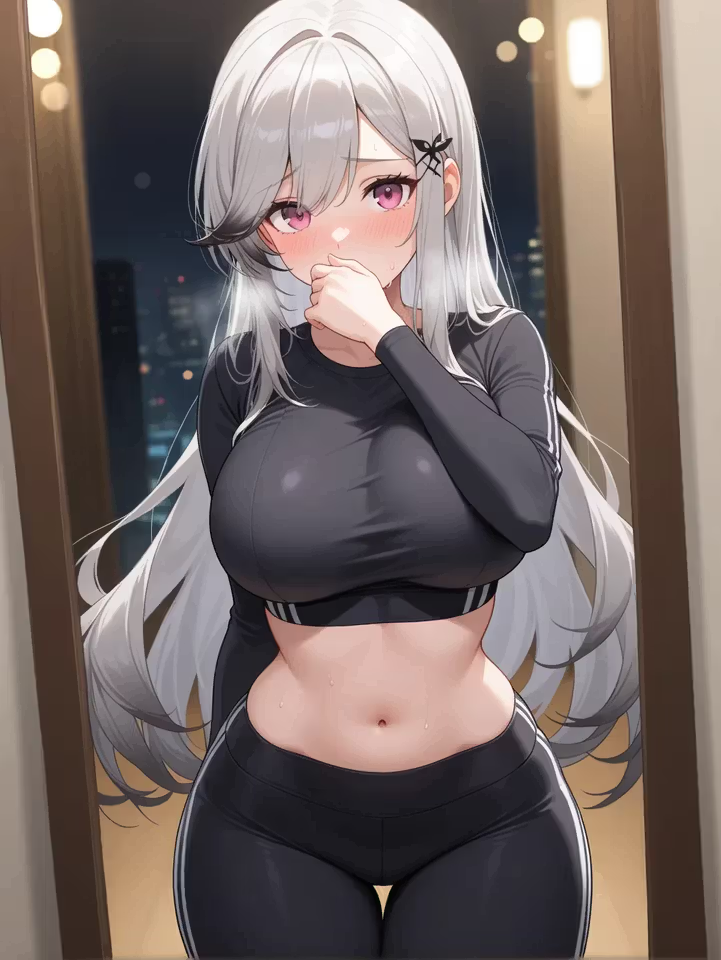
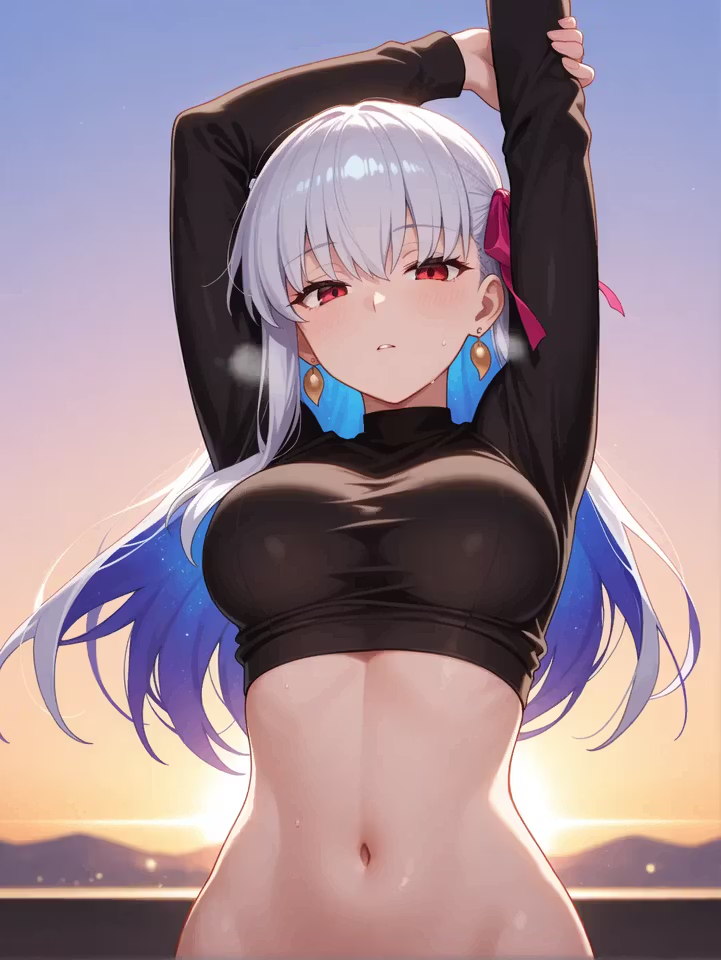
Characters you can open right now
Tap any of them and the chat starts there

Step 3: The Unrestricted AI Video Generator Part
Most "ai video generator unrestricted" lists lump three different things together. GoLove keeps them as three separate routes to explicit clips, and the differences matter.
Image to video: animate a still you already like
Say she's already given you a shot you love, from chat or from a batch. Generate Video from Photo animates that exact still of her. That's image-to-video, and it's the safest way to keep her face identical.
Preset-card videos with any GoLove or custom character
In Generate, the Video tab builds a clip from visual cards. You pick an action (say "Hard Doggy Style" or "Twerk"), then Clothes, then Background, and then it's one tap. There are 20 anime video modes and 147 across all categories, and they work with any GoLove girl or your own custom character.
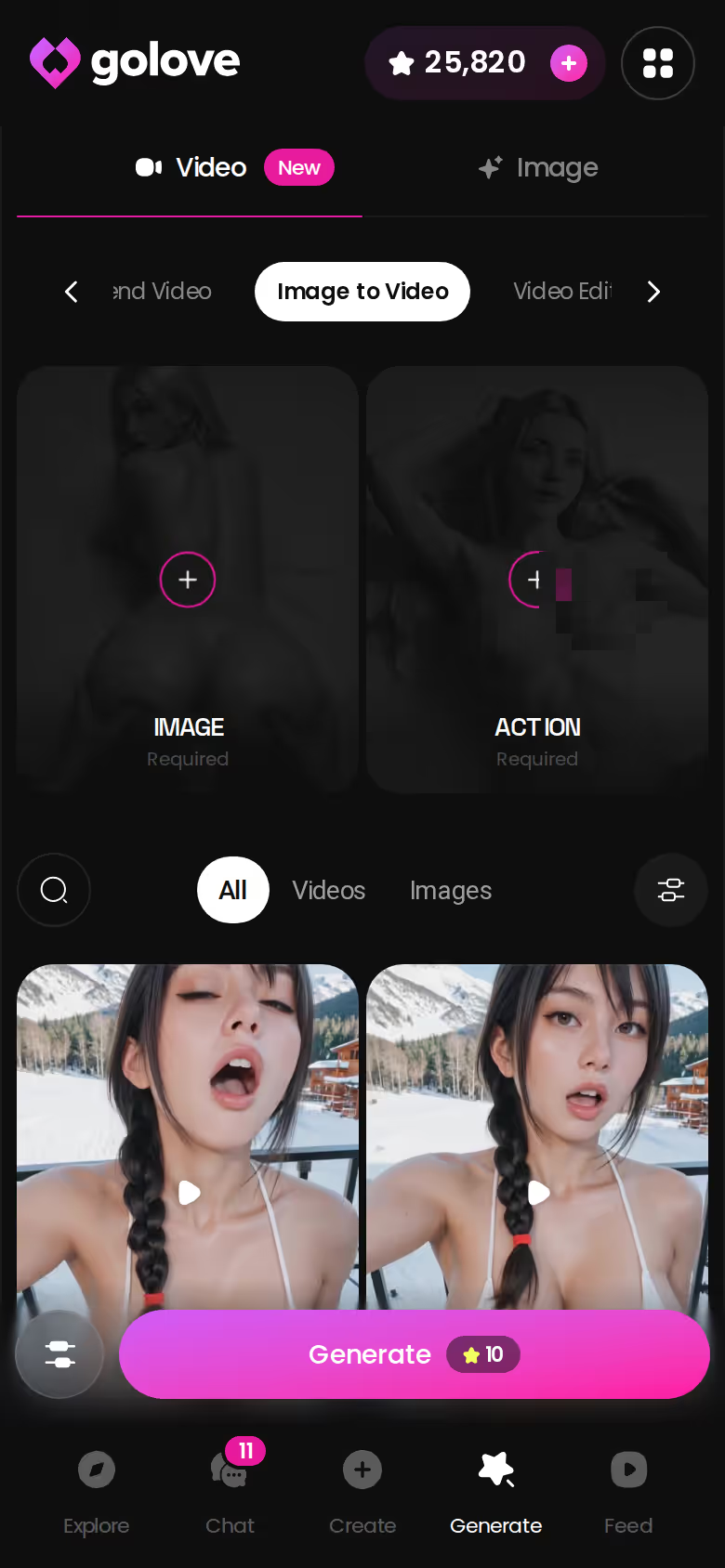
Does the same character survive the jump to video? Yes. The clip is built from her image or her character profile, not from a fresh prompt, so no new stranger shows up.
Video actions and Feed remix for fast ideas
Inside chat, the Select Action modal lets you request a video without leaving the conversation. Out of ideas? The Feed is a TikTok-style vertical stream of clips. Tap Remix (the magic wand) and Generate opens with that clip's exact settings loaded, ready for you to swap in your character.
Step 4: Let Her Send Photos Mid-Conversation
No standalone generator can do this, and it's why the chat row matters so much. Here's how it plays out with the verified feature set and an anime girl like Akiyama Emu, whose pitch is "even a flagship needs a port to call home."
Asking for a photo in the thread
The scene builds over a few messages. She's off duty, out of uniform, and teasing me about it. Then I ask her to send a photo. With Request Photos in Chat, the image lands right in the thread, and it's her, dressed for the scene we set up. I didn't switch tabs or describe her again.
Memory keeps the scene consistent
Memory holds the conversation history, so each new request builds on what already happened. Relationship Progression tracks how far things have gone. For the feel of it, see what the anime waifu chat itself feels like.
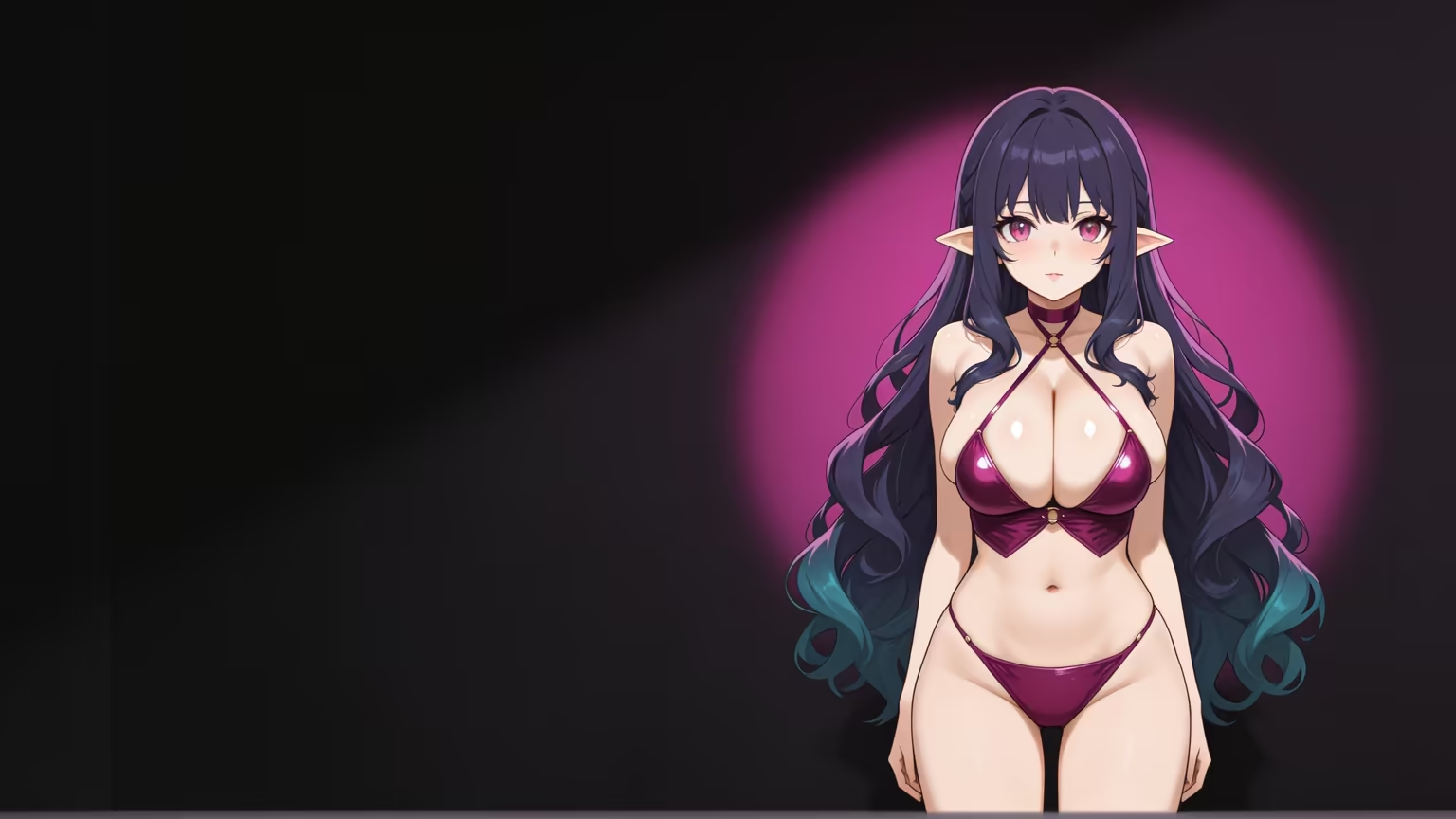
YOUR ANIME WAIFU AWAITS
Pick an anime waifu who actually fits you.
Myth vs. fact:
- Myth: She forgets you the moment the tab closes — Fact: Memory carries across chats — she keeps your details
- Myth: Voice is a gimmick you try once — Fact: Real-time voice calls with a voice per character, plus hands-free Live Mode
- Myth: Every "photo" is the same stock render — Fact: Images are generated in the chat — 35 poses and 21 outfits
- Myth: You have to pay before you can test anything — Fact: 2 reward stars land every day you log in
Chat settings and voice that set the tone
The tone lives in Chat Settings: a voice picker, a 5-level lust slider (1 sweet to 5 unfiltered) and a 5-level response-length slider. Voice messages and live voice calls use the same character.
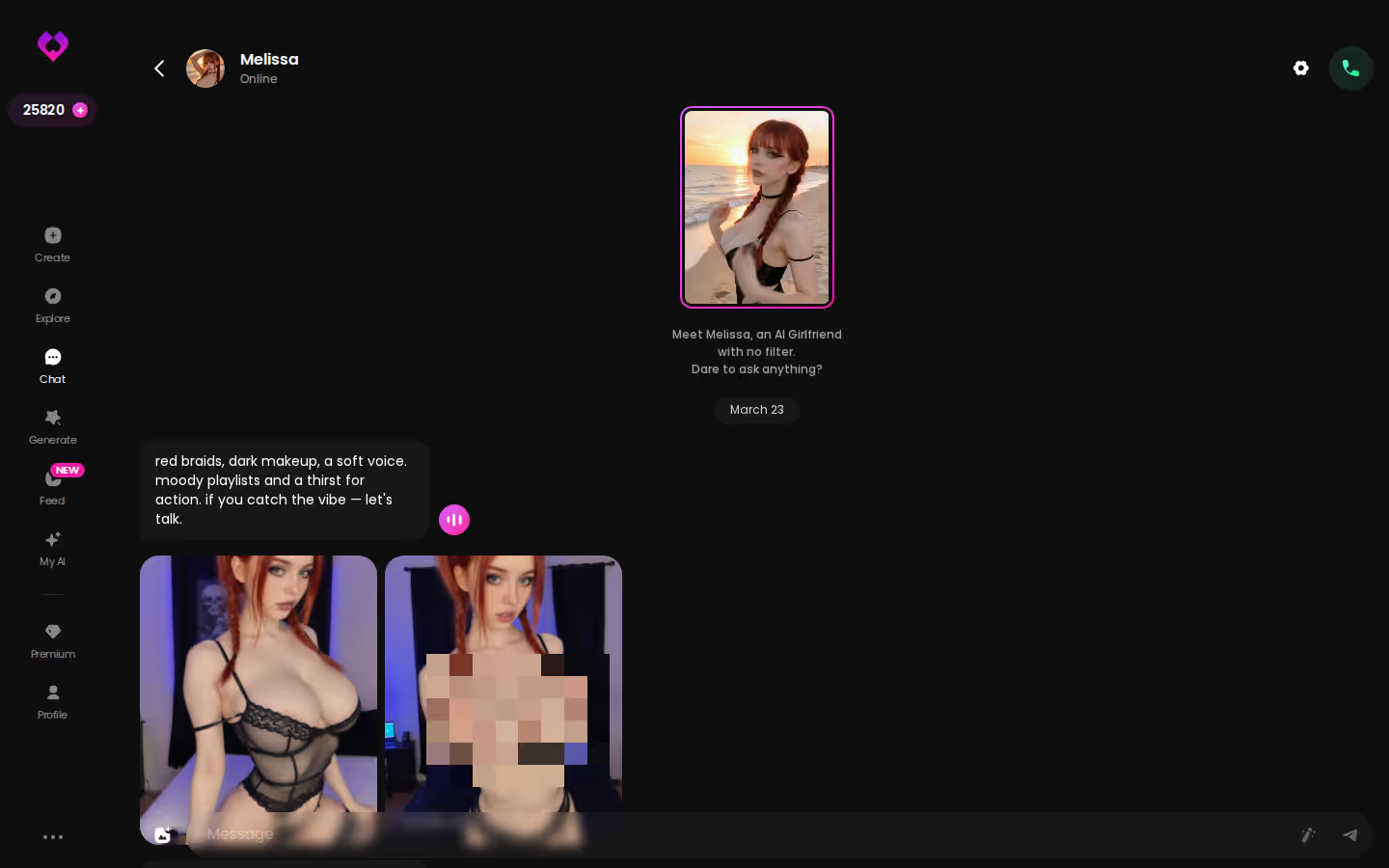
That photo-in-the-thread moment is the real deal, and nothing else in this scorecard gives it to you. You can try it on any of the 300+ anime girls today, and the free daily stars cover your first requests.
GoLove Gives Up Raw Model Control for Zero Setup
Straight facts: self-hosted Stable Diffusion gives you control that GoLove doesn't, and I won't pretend otherwise.
What you give up:
- Checkpoints: you can't pick your own base models or load LoRAs you found or trained.
- Parameters: no low-level tuning of samplers, steps or the prompt weights tinkerers love.
- Price: you pay for a plan, about $19.99/month when checked in July 2026 (varies by region and promo). Self-hosting is "free" if you already own the GPU.
What you gain:
- No GPU, no installs, and no hunting for models on forums
- A workflow that runs on a phone, with Generate and Feed as bottom-nav tabs
- One character carried across images, chat, memory, voice and video
As a tinkering hobby, the self-hosted column wins. But for a consistent waifu you actually talk to, raw control is overrated. Getting a character to hold across outputs in Stable Diffusion takes LoRA work, and even when she holds, she can't text you back.
> You trade the knobs for a girl who stays the same girl, and for this use case that's the better deal.
Before You Generate Anything Explicit: A Checklist
"Unrestricted" doesn't mean anything goes. Run through this first:
- Adults only: every character is a fictional adult. GoLove's roster is listed at 24, and your custom builds should stay clearly adult too.
- No real people: no celebrity likenesses, and no uploaded photos of anyone you know. That's a hard line on every platform.
- Gallery privacy: outputs save to each character's gallery, so know who has access to your device and account.
- Billing: check how the charge appears on your statement and how to cancel before subscribing. The annual plan runs about $119.88/year (checked July 2026, varies by region and promo).
- Stuck for ideas: browse Explore or the Feed and remix something instead of staring at a blank prompt.
If the explicit side is mostly about the story for you, see where explicit anime chat fits in.
Consistency and Video: The Rows That Decide It
Go back to the scorecard. Refusals barely separate anyone: three of the four columns clear that row, and only the filtered mainstream tools fail it. The rows that decide it sit further down.
On character consistency, only GoLove.ai builds every output from a saved character. Chat context goes the same way, with in-thread photo requests, memory, and the 5-level lust and response sliders. Video adds preset-card clips plus photo-to-video, with 147 video modes across categories. GoLove is the only column that clears all three rows, and it does it from a phone.
Pure tinkerers who want their own checkpoints should still self-host. That's a hobby, though, not a waifu.
Verdict: if you want one anime waifu who stays the same across photos, conversation and clips, GoLove.ai earns the pick.
Build her once in Create, and every image, chat and video after that starts from the same face. The 2 free daily stars cover your first batch, so you can meet her today without paying anything.
Frequently Asked Questions
Related Articles

AI Waifu Generator: Build Yours in Minutes on GoLove
AI waifu generator: GoLove.ai wins — the waifu you generate keeps chatting, remembering and sending photos. Start with instant-access needed.

Create Your Own AI Waifu: Which App Actually Delivers?
Create your own AI waifu on GoLove.ai — design her with AI or a style wizard, then keep her voice, photos, and memory. No email needed — start.

Anime AI Waifu Roleplay: What Actually Works in 2026
Anime AI waifu roleplay — GoLove.ai wins on memory that holds a scene, inline photos and voice. See how to build one and start chatting — no email needed.

Best AI Waifu Apps Android: Honest 2026 Rankings
AI waifu apps for Android, ranked — GoLove.ai wins on in-chat photos, voice and memory that persist. Start chatting in Chrome, instant-access needed.
This article contains affiliate links. We may earn a commission at no extra cost to you if you sign up through our links. See how we test.