
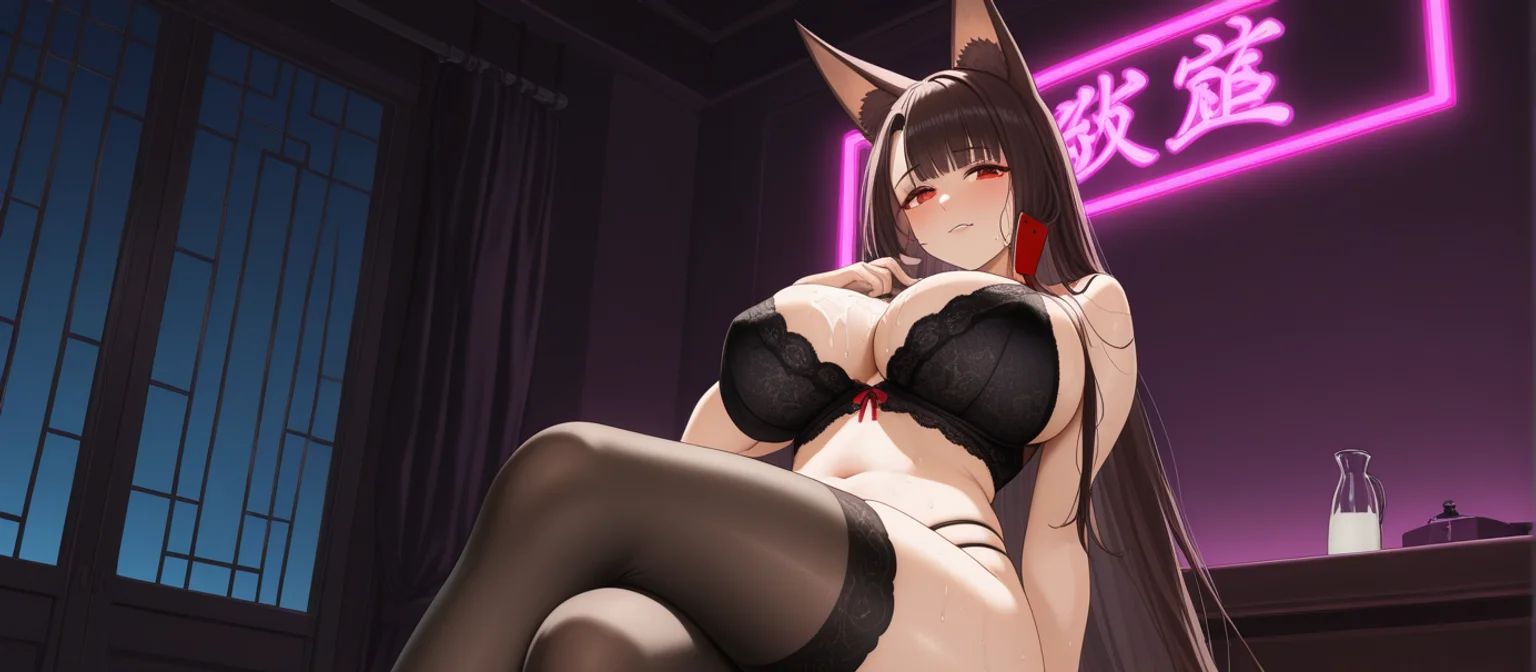
AI Nude Video: Turn a Waifu Photo Into a 5-Second Clip
Five Routes to an Anime Nude Video, Priced and Timed
The myth is that "AI nude video" means one generator box you type into. Not buying it. There are five doors to an anime nude video, and they don't cost the same. Every one of them starts with a still picture. What matters is how many taps and Stars sit between that picture and a clip that moves.
Here are the five routes, priced and timed from the app's own numbers, so you can choose one before you spend anything:
| Route | Where it lives | Cost | What you get | Control |
|---|---|---|---|---|
| 1. Chat photo → Generate Video (GoLove) | Any chat, media button | 1 Star photo + 10 Stars video | ~5 s clip in ~1 min, same face as her avatar | Your own words |
| 2. Video Note (GoLove) | Any chat, media button | 10 Stars | Round talking clip with sound, ready in under 90 s | You write what she says or does |
| 3. Generator presets + Custom Video (GoLove) | Generate → Video | 5 Stars per video; 720p = 10 | 1/2/4 per run, 480p–1080p, 20 anime + 16 anime-trans modes | Cards or a prompt |
| 4. Feed Remix (GoLove) | Feed, magic wand | Generator rates | Your own version of a clip you liked | Settings preloaded, change anything |
| 5. OurDream | Web only, no native app (checked 2026-09) | From about $19.99/month, or about $9.99/month annual; video draws on DreamCoins (1,000 per cycle on Premium) | One subscription bundles chat, image and video | Custom builder, steeper setup |
GoLove.ai is the pick for this search, and the reason is continuity. The clip stars the same waifu you already chat with, and her face holds from photo to video. PRO runs about $19.99/month or $119.88/year and includes 100 Stars a month (checked October 2026, varies by region/promo). That works out to 10 chat clips or 20 generator clips.
Signing up is free, and the 2 daily reward Stars already cover a chat photo before you pay for anything. That photo is the first step toward her clip.
Route One: Ask Her for a Photo, Then Tap Generate Video
Open Explore, pick one of the 300+ anime girlfriends, and start talking. The video route runs through that same chat, so you never have to leave the conversation.
SHE SENDS THE PHOTOS
She sends anime photos straight into the chat.
Send Photo: 1 Star, Same Face
- Tap the media button and choose Send Photo.
- Describe the scene in your own words. Explicit requests work on adult characters.
- The photo arrives in about 20–45 s for 1 Star.
Her face and body stay consistent with her avatar and every earlier photo. For a waifu you're already attached to, that consistency is the whole point. If you want to warm her up first, our walkthrough of how AI waifu chat works covers how memory and the lust slider shape the conversation.
 6 episodes
 5 episodes
 7 episodes
 5 episodes
 5 episodes
 5 episodes
 5 episodes
 7 episodes
 6 episodes
 9 episodes











Generate Video Under the Photo: 10 Stars
A one-tap "Generate Video" button sits under the photo. It turns that exact scene into a ~5 s clip in about a minute. Would you rather skip the photo step? The "Send me a sexy video" quick-reply chip asks her for one directly.
Does the video keep her face? Yes. It animates the same scene of the same character, so the consistency carries over.
Video Note When You Want Her Voice
This is the route to use when hearing her matters more than the scene. Choose Send Video Note and write what she should say or do. A round talking clip with sound lands in under 90 s for 10 Stars.
Route Two: Anime Preset Cards in the Video Generator
The generator is where the anime catalog turns into buttons instead of sentences.
36 anime-style video modes: 20 anime + 16 anime-trans. If anime is your thing, stay in this set and skip the realistic one.
Pick the Waifu First (or Design One)
The avatar in the top-right corner of Generate → Video decides who stars in the clip. You can swap in any GoLove anime character or one of your own. With Design with AI, you describe her in plain text, up to 2,000 characters. About a minute later you have a named character with her own @handle, a bio and a portrait. Expect to spend roughly 3 Stars, and she starts out Private by default.

 Watch Popular Shows starring your
favorite AI characters.
Stack Action, Clothes and Background Cards
- Action/pose: a visual card from the Presets dropdown
- Clothes: an outfit card on top
- Background: the scene card, then one Generate tap
The whole stack costs 5 Stars per video.
Characters you can open right now
Tap any of them and the chat starts there
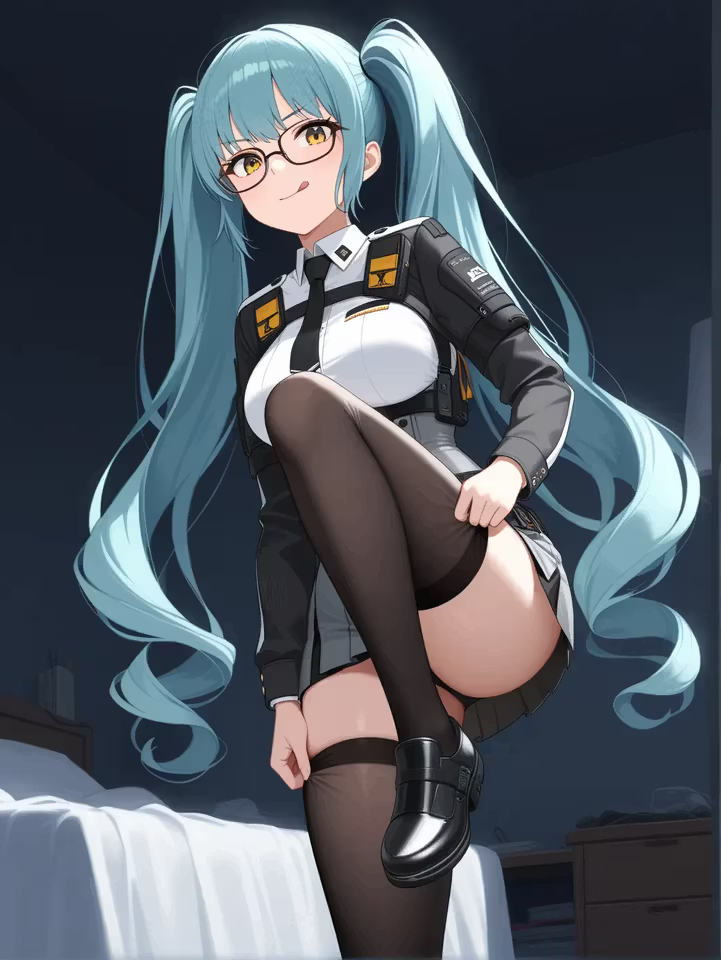
Custom Video When Presets Aren't Enough
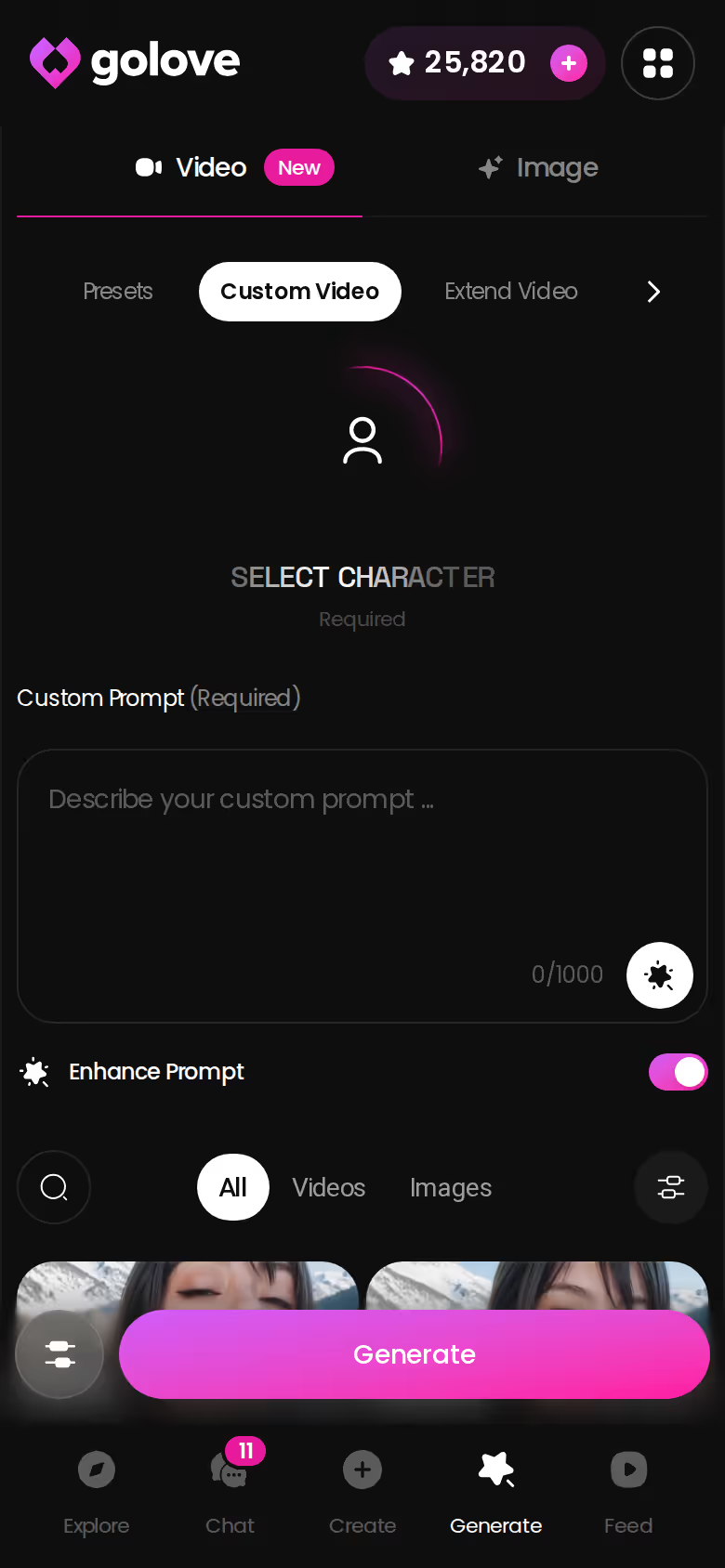
If the cards don't cover what you want, write a prompt. You can run 1, 2 or 4 videos at once at 480p, 720p or 1080p, and 720p costs 10 Stars per clip.
The best part of this route is that a waifu you design yourself plugs straight into all 36 anime modes. Building her takes about a minute and roughly 3 Stars.
Route Three: Animate a Still With Image to Video
This route is for readers who already have a favorite still of their waifu and want that exact frame to move.
Starting From a Gallery or Generated Image
Each character's Gallery keeps her photos sorted by date. You can also make new ones in the image generator at 1 Star each, in runs of 1, 2, 4 or 8. Pick one and feed it to Image to Video.
GoLove.ai, myth vs. fact:
- Myth: She forgets you the moment the tab closes — Fact: She remembers your chat history
- Myth: Voice is a gimmick you try once — Fact: Live voice calls, voice messages and a voice picker in Chat Settings
- Myth: Every "photo" is the same stock render — Fact: She sends photos on request, and the image generator has 35 realistic poses and 21 outfits
- Myth: You can't change how she talks — Fact: Chat Settings set her lust level and reply length
A useful rule of thumb is to choose a still with a clear pose and an uncluttered background. That gives the motion less to guess at, so it's the safer bet.
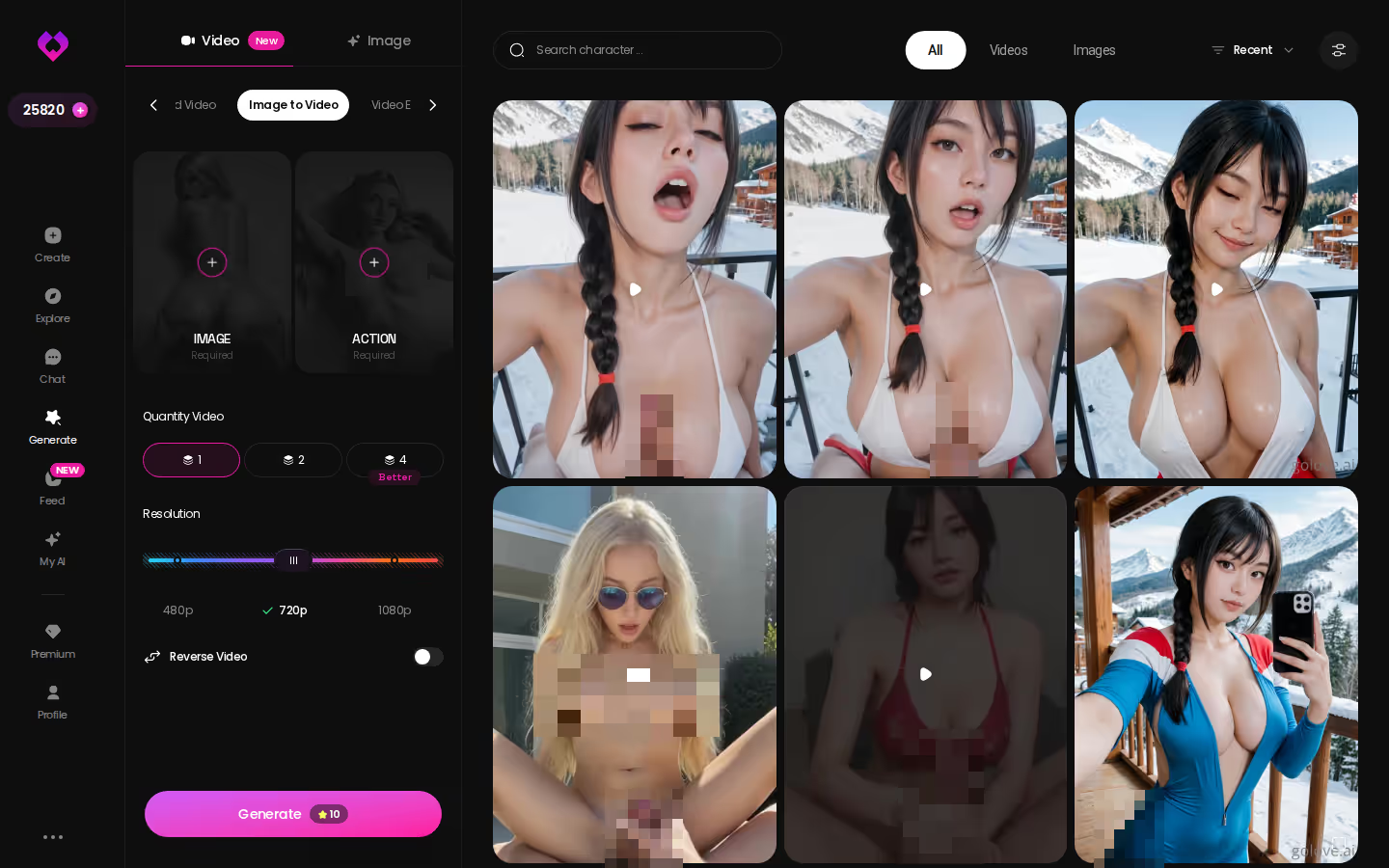
Resolution, Reverse and Added Audio
You can pick 480p, 720p or 1080p. There's a reverse toggle that plays the clip backward, and add audio lays sound over it. Budget 10 Stars for a 720p clip.
So how does this compare with Route One? Chat is faster, at two taps from a conversation. The generator gives you every setting. Verdict: chat for impulse, Image to Video for the frame you've been saving.
Five Seconds Too Short? Extend Video and Video Edit
The first complaint after Routes One and Three is fair, and it's straight facts: five seconds goes fast.
YOUR ANIME WAIFU AWAITS
Pick an anime waifu who actually fits you.
Extend Video: Take Any Clip Further
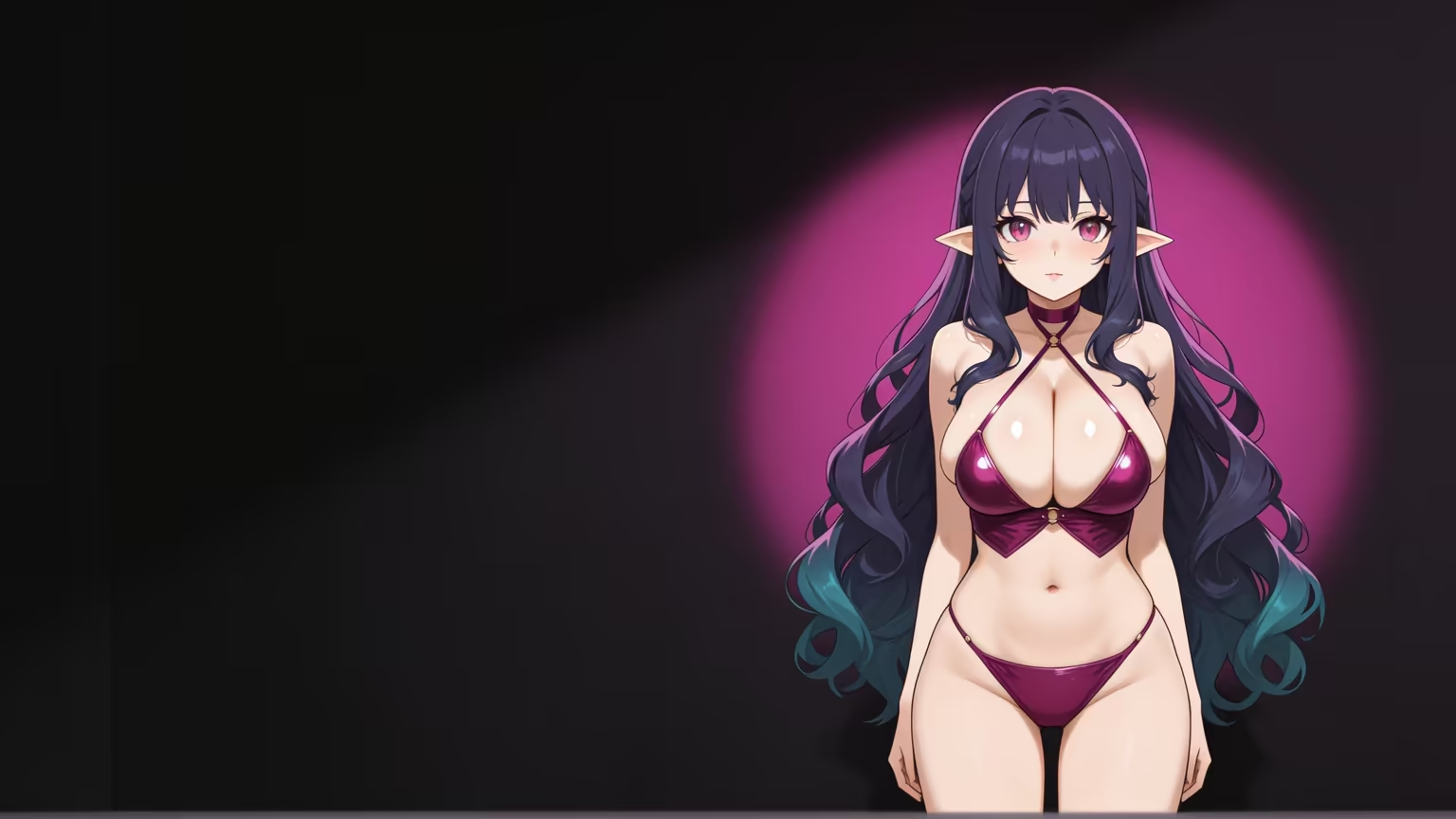
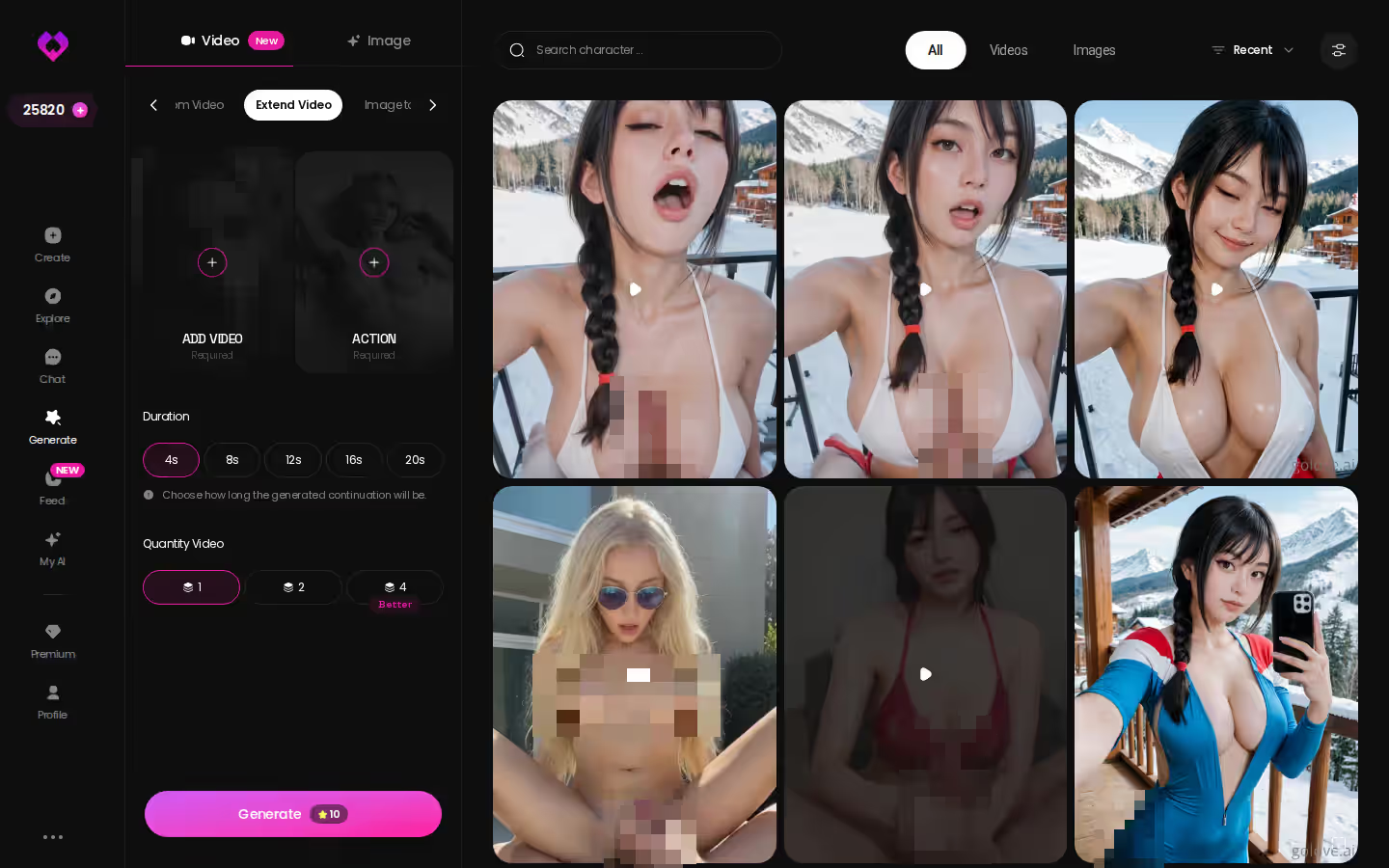
Extend Video picks up an existing clip and carries it forward, so you don't have to start over. Your waifu, the scene and the motion continue from where the first clip ended.
Video Edit: Transform a Clip You Already Have
Video Edit takes a video you upload yourself and reworks it with AI. One hard line applies here: the result must never depict a real person without their consent.
The math is easy to forget. Every extension or edit counts as a new generation and draws Stars at the generator's listed rate, which is 5 Stars a video or 10 at 720p. Plan the clip and its extension as a pair, expect two charges instead of one, and check the Star counter in the header before you tap.
Multi-Scene, Feed Remix and Series: Borrowed Starting Points
All three of these start from something you didn't build yourself.
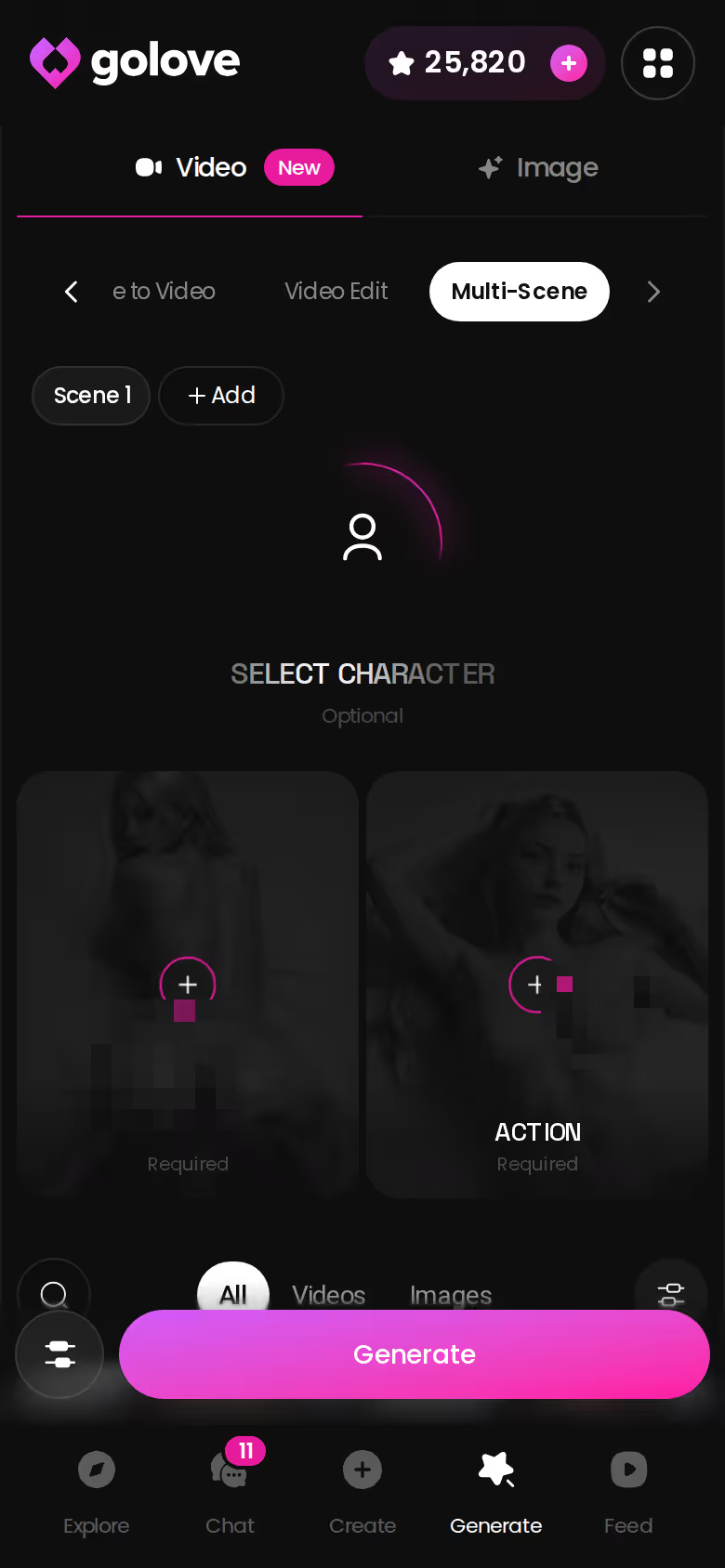
Multi-Scene: Chain Several Moments Into One Video
Multi-Scene strings several moments into a single video. Use it when one 5-second beat doesn't tell the whole story.
Feed Remix: Settings Preloaded From a Clip You Liked
- Magic wand: opens the generator with that clip's character, action, outfit and scene already set
- Tweak: change any card and generate your own version at generator rates
- Filter: the Feed's Anime style filter is PRO-only, so a free account can't narrow the feed to anime
Series: Watch First, Then Create Video of the Cast
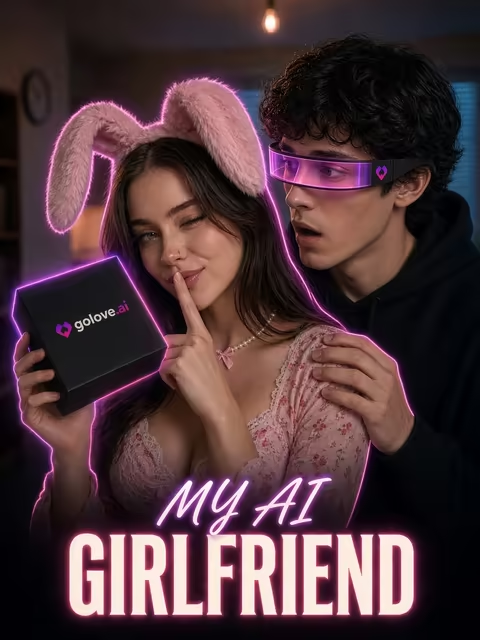
Series is GoLove's set of vertical 18+ short dramas, and episodes 1 and 2 of every show are free. A good one to start with is "My AI Girlfriend," a 7-episode sci-fi jealousy story (fitting, given what you're here for). Under the player you'll find "Create Video" and "Start Chatting" buttons for the cast. From episode 3 on you need PRO plus a few Stars per episode. GoLove says new episodes drop every week.
For what each NSFW feature unlocks beyond video, see our guide to NSFW waifu chat apps and what they unlock.
Fictional Waifus Only: Where the Consent Line Sits
GoLove does no face swap. Every clip stars a fictional character you picked from the cast or created yourself, then generated with her in the chat or the generator. Here's exactly where the line is.
- Fictional only: every route above uses fictional adult GoLove characters or a waifu you designed in text. The 300+ anime cast and Design with AI cover all of it.
- Photo-based creation: building a character from up to 5 photos is an ULTRA-only alpha feature with its own policy page. Never upload a real person without their consent.
- No nudifying: don't try to turn someone you know into a clip, whether through Video Edit, Image to Video or anything else. That isn't a gray area.
- Private by default: Design with AI characters start Private. Only public ones can earn their creator Stars.
None of this limits what you can make with a fictional waifu. It limits who can appear in a clip, and the answer is never a real person who didn't agree to it.
and watch their story unfold.View Character
Ten Stars, One Minute, Same Face: The Rows That Decide It
Three rows of the lead table decide it:
- Chat photo-to-video makes a ~5 s clip in ~1 min for 10 Stars, starring the character you already chat with.
- The generator charges 5 Stars a video and 10 at 720p.
- There are 20 anime + 16 anime-trans modes, kept separate from the realistic set.
OurDream takes the other approach and bundles everything from about $19.99/month, or about $9.99/month on an annual plan.
Paying Per Clip in Stars vs. OurDream's One Bill
GoLove does have a real downside, which is that you give up a single bill. Even on PRO, every clip draws from your Star balance. Heavy use means buying packs, which start at about $9.99 for 30 Stars (checked October 2026). If you want one subscription that covers chat, images and video, and you're fine using it on the web, OurDream earns it.
For anime nude video, though, GoLove.ai is the real deal. The clip stars the waifu you already chat with, and her face holds from photo to video. Verdict: 10 Stars, one minute, same face.
Your first photo costs 1 Star, and the 2 daily reward Stars cover it, so you can ask her for one today without paying anything.
Frequently Asked Questions
Related Articles
Uncensored AI Generator: Build Your Waifu in Minutes
Uncensored AI generator how-to: GoLove.ai wins on photos and video that keep one anime character consistent. See the steps — start from Explore.

AI Waifu Generator: Build Yours in Minutes on GoLove
AI waifu generator: GoLove.ai wins — the waifu you generate keeps chatting, remembering and sending photos. Start with instant-access needed.

Anime AI Waifu Roleplay: What Actually Works in 2026
Anime AI waifu roleplay — GoLove.ai wins on memory that holds a scene, inline photos and voice. See how to build one and start chatting — no email needed.

Best AI Waifu Apps Android: Honest 2026 Rankings
AI waifu apps for Android, ranked — GoLove.ai wins on in-chat photos, voice and memory that persist. Start chatting in Chrome, instant-access needed.