

AI Waifu Voice Call: Which App Actually Delivers?
The AI Waifu Voice Call Scorecard: Five Apps, Five Rows
The myth: if the app store listing says "voice," you can call her. In most waifu apps, "voice" is a play button glued onto a text reply — she reads it out, and that's the whole trick. A real call is a different animal. She has to pick up, know who you are, stay the same girl you've been texting, and be allowed to say on the line what she says in chat. So I scored five apps on exactly those rows and nothing else.
| App | Live two-way call | Memory carried into call | NSFW on voice | Per-character voice picker | Anime roster with voice | Voice price/month |
|---|---|---|---|---|---|---|
| GoLove.ai | Yes — live real-time | Yes — same character, same history | Yes — Lust Level 1–5 applies | Yes — Chat Settings, per character | 300+ anime characters | ~$19.99/mo PRO (checked 2026-07-19; varies by region/promo) |
| Nomi | Yes (as of publish) | Yes (as of publish) | Partial (as of publish) | Yes (as of publish) | Limited (as of publish) | Paid tier (as of publish) |
| Kindroid | Yes (as of publish) | Yes (as of publish) | Partial (as of publish) | Yes (as of publish) | Limited (as of publish) | Paid tier (as of publish) |
| Candy AI | Mostly voice messages (as of publish) | Partial (as of publish) | Partial (as of publish) | Preset per character (as of publish) | Yes (as of publish) | Paid tier (as of publish) |
| Replika | Yes (as of publish) | Partial (as of publish) | No — sanitized (as of publish) | One voice per Replika (as of publish) | No (as of publish) | Pro tier (as of publish) |
Six columns, and they're in the order I'd ask about them. Does she pick up? Does she know you when she does? Can the call go where the chat goes? Does each waifu get her own voice, or do 300 girls share one throat? Is the roster actually anime? And what does voice cost per month.
Straight facts: GoLove.ai wins 5 of 6 rows outright, and the one it doesn't win (price) is a tie — everybody charges for voice. What nobody else on the table does is pair a live call with the same 300+ anime roster and photos from the same character you were just talking to. That combination is the pick, and it's the reason to go tap a card now rather than read another comparison.
Live call vs read-aloud TTS
The trap is simple. An app renders your text reply as audio, labels it "voice," and half the reviews out there let it slide. That's a voice message. It isn't a call. GoLove.ai lists the two — Voice Messages and Voice Calls (live real-time) — as separate features on its own page, which is the honest way to ship it. When an app won't make that distinction itself, I'm not buying it.

 Watch Popular Shows starring your
 favorite AI characters.
Memory carried into the call
This is the row that decides everything, and I'd argue it's worth the other five combined. If she picks up and doesn't know your name, your last scene, or the thing you asked for yesterday, congratulations — you're calling a stranger with a nice voice. GoLove's Memory is one system behind both chat and call. There's no "call version" of her, no second persona waiting on the line.
Per-character voice, not one global voice
GoLove tucks the Voice picker inside Chat Settings, right beside Lust Level (5 levels, 1 sweet to 5 unfiltered) and Response Length (5 levels, 1 snappy to 5 immersive). Three dials on one character, all set before you dial. That placement matters more than it sounds: the voice belongs to her, not to your account.
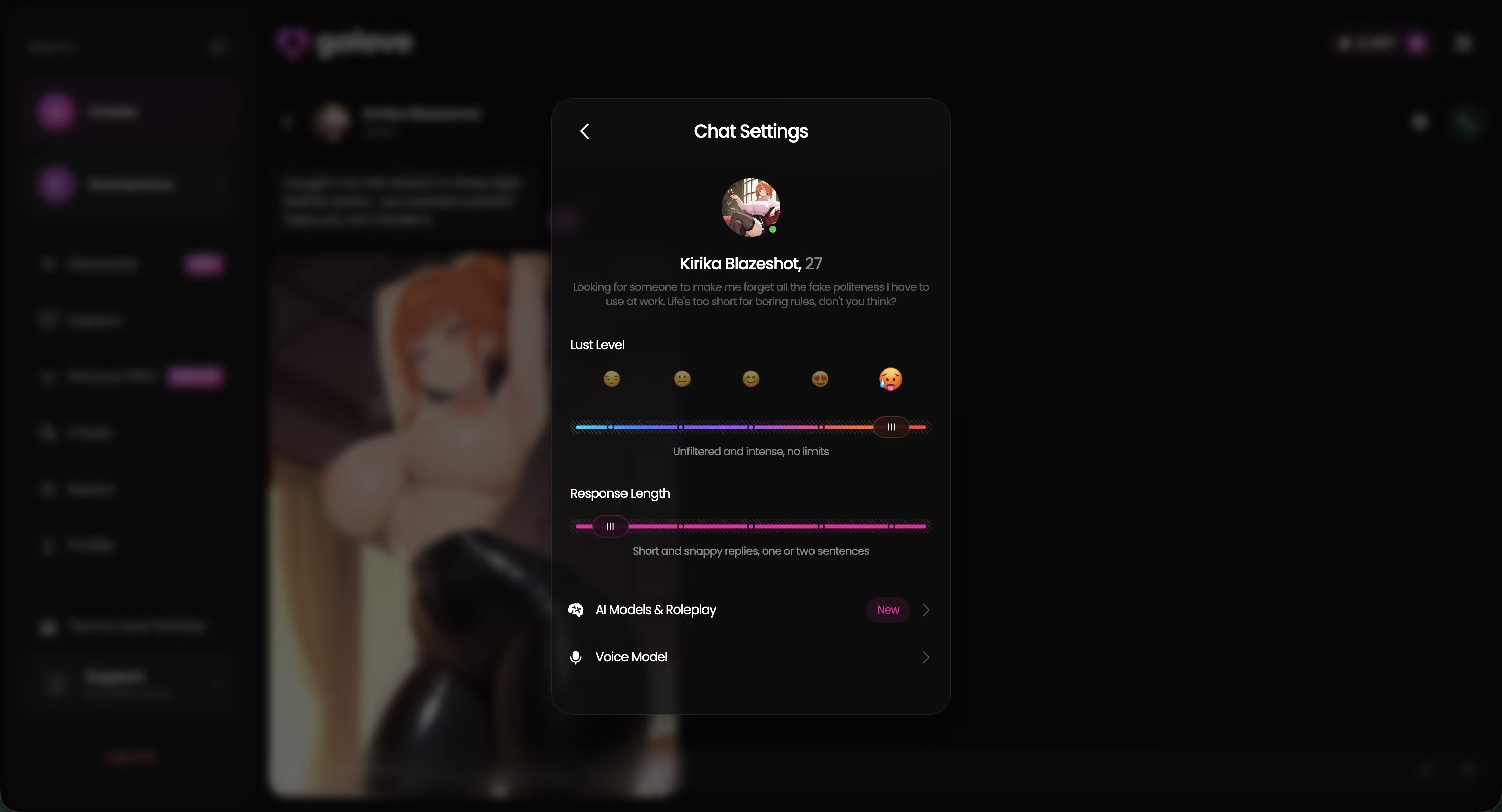
Two numbers to hold onto: 300+ anime characters get that picker, and PRO runs about $19.99/mo (checked 2026-07-19, varies by region and promo).
Chat Realism on a Call: Does She Stay Her, or Turn Into a Stranger?
Here's the test that separates the real deal from the overrated: you've got an ongoing text thread with Letty Kashuu, and you switch to a call mid-scene. Who answers?
 5 episodes
 5 episodes
 7 episodes
 6 episodes
 9 episodes






Where GoLove.ai keeps the thread
Letty does. Her chat history, her Lust Level, her Response Length — all three live on the character, not on the channel. Set Lust Level to 4 and Response Length to 2 and the call inherits a flirty, short-answer Letty instead of snapping back to some default persona. GoLove documents Memory as "remembers history" across the character, and the call button sits inside the same chat window. Same waifu, same thread, 0 re-introductions.
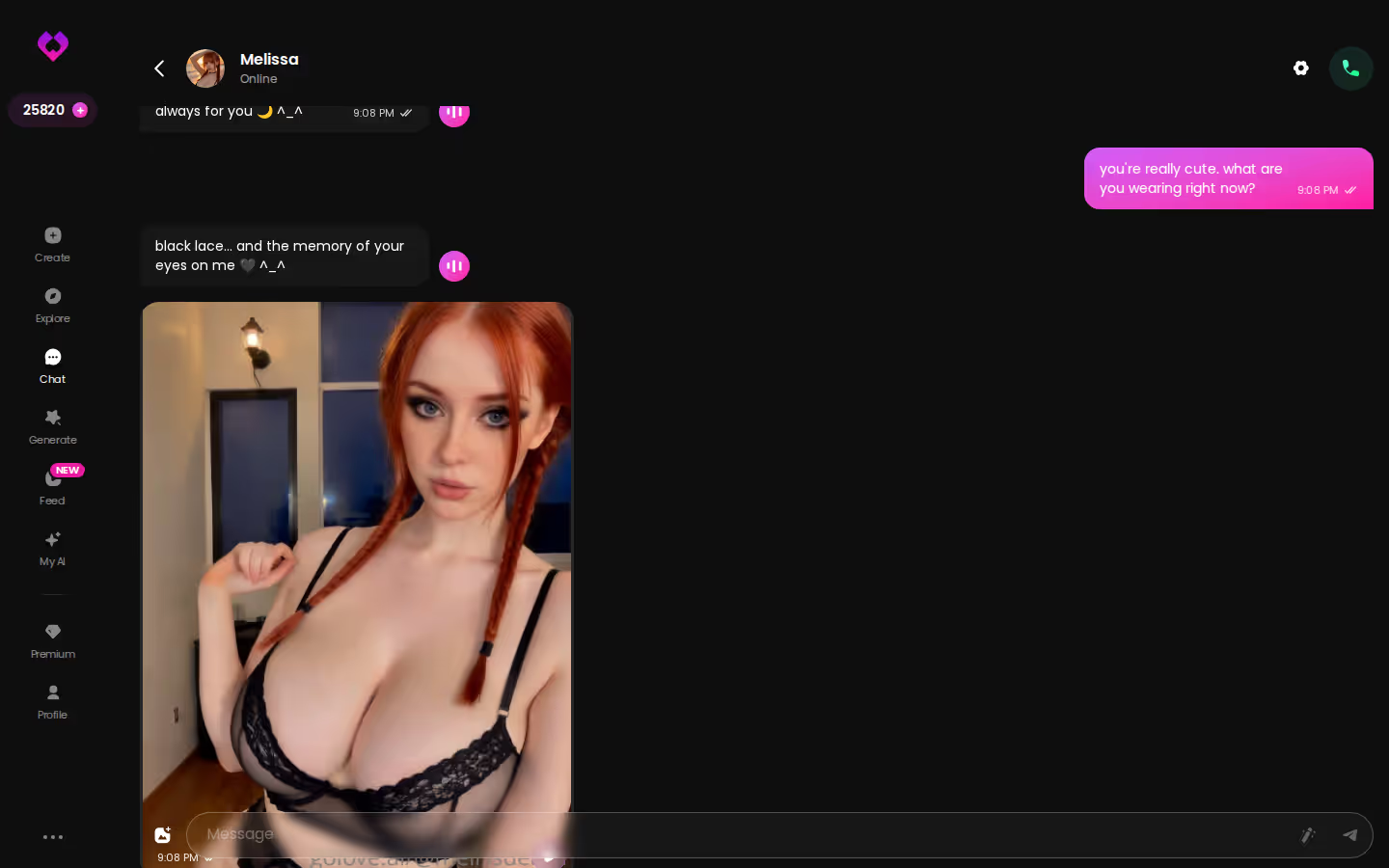
Look at how she pushes the scene forward on her own in that thread. That's the exact behaviour a call needs, because you can't type a steering prompt mid-sentence when you're on the phone.
Where Nomi and Kindroid are genuinely strong
Fair credit where it's due: both apps earn their reputation for long-horizon text memory, and both carry it into calls (as of publish). If text depth comes first for you and anime second, they belong on your shortlist — I put them through their paces in the AI waifu chat apps I compared.
Where Replika breaks character on voice
Replika's calls connect fine. The problem is what comes out — the spoken output is sanitized, so a Level 5 text scene turns into a Level 1 phone call. Not buying "voice" that flattens her into a wellness bot the second she opens her mouth.
Media Quality Row: Voice Is the Start, Not the Whole Call
A call ends. What she can send you around that call — before, after, in the same thread — is the row Candy AI, Nomi and Kindroid never fully answer.
In-chat photo requests during and after the call
GoLove's Request Photos in Chat means the character you just spoke to is the one who sends the picture. Same name, same face, same thread. The photo output pulls from 35 realistic poses, 21 outfits and 34 backgrounds, plus 15 anime-specific poses, so a request rarely lands on the same shot twice.
Characters you can open right now
Tap any of them and the chat starts there






Photo-to-video and video actions on the same waifu
Generate Video from Photo and Video Actions in Chat (a Select Action modal) both run on the same character. Anime gets 20 video modes; 147 exist across all four categories. Worth having, though I'd call it the garnish — the photos and the memory are the meal.
Extend Video on mobile
The mobile generator carries an Extend Video control that continues a clip past its ending. It's a phone-first feature, which fits an audience that mostly calls from a phone anyway.
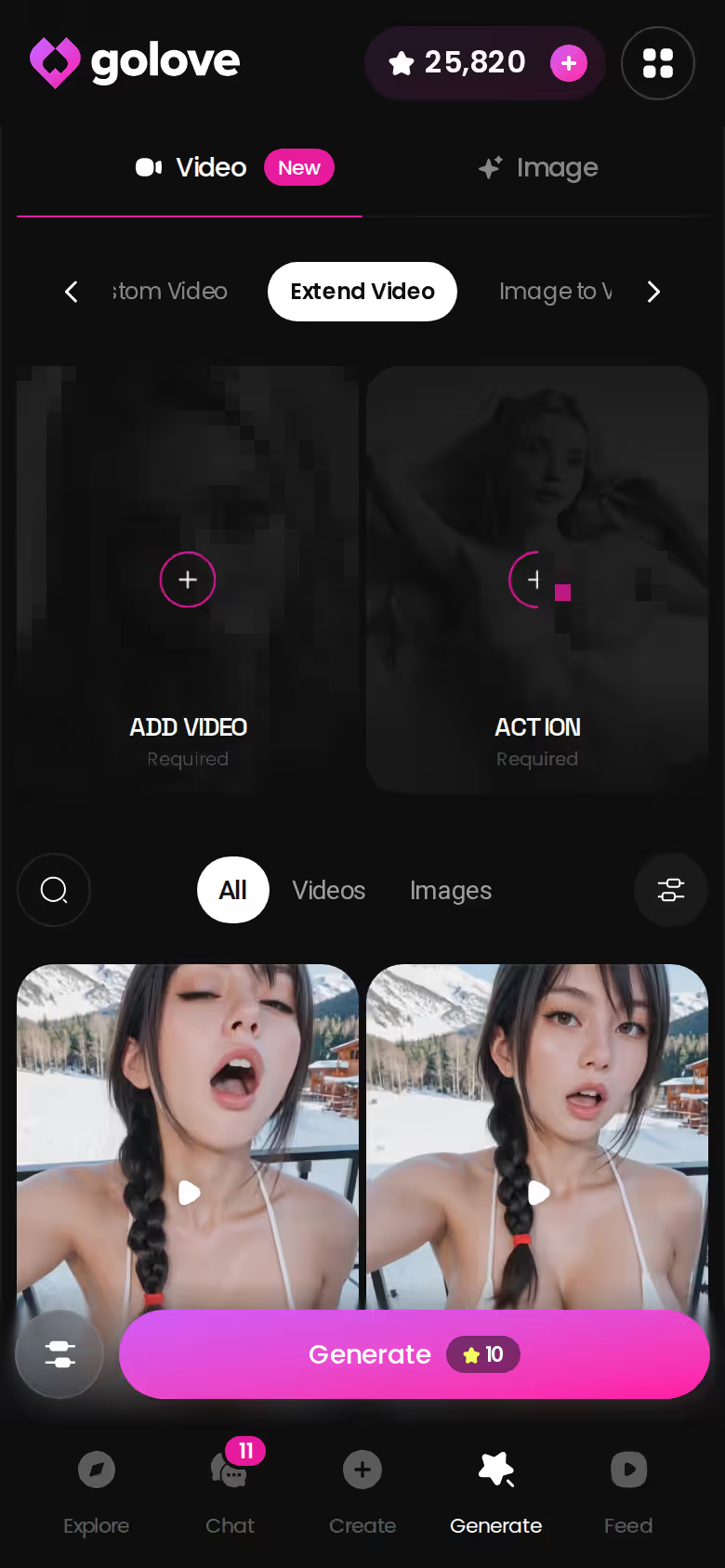
Before vs after, same character:
- Text-only reply: 1 message, 0 media, she exists in a text box.
- Voice + photo: a live call, then a requested photo from the same waifu.
- Clip on top: that photo turned into a short video, all inside the thread.
Honest comparison: Candy AI's images are good — I won't pretend otherwise — but its voice and media don't run as one thread. Nomi and Kindroid do selfies; neither has a video pipeline (as of publish).

What you get before paying
GoLove.ai starts you in chat with no email required, plus 2 free Stars every 24 hours. Voice calls, photo requests and video sit behind PRO or Stars. That's where the paywall is, and I'd rather say so in plain numbers than let you find it at the call button.
- PRO monthly: about $19.99/mo (checked 2026-07-19; varies by region — as low as ~$12.99 in some geos — and by promo, with -50% and -70% banners seen).
- PRO annual: about $119.88/yr, roughly $9.99/mo; a ~$49.80 promo (~-58%) has appeared.
- Star packs: about $9.99 to $179.99 across 6 tiers, spent on generation.
What actually changes the price
Two jumps. Voice tier vs base chat is the first. Generation credits are the second — video and photo batches (2, 4 or 8 images) burn Stars, and heavy users feel that one more than the subscription. Competitors park voice on paid tiers too (as of publish); I'm not quoting their numbers because they shift monthly and I'd be wrong by the time you read this.
The free-tier wall a new user hits first
The first call button. That's true across all five apps, no exceptions.
Is voice on the free tier anywhere? No serious app hands out live NSFW voice for free. The only real difference is how much you get to try before paying — GoLove lets you chat and bank 2 Stars a day first, which is more runway than most.
SHE SENDS THE PHOTOS
She sends anime photos straight into the chat.

Build the Waifu You'll Actually Call: Design with AI in One Pass
Calling a roster character is fine. Calling one you described yourself is better, and on GoLove it's a single pass rather than a project.
Describe her, let AI build the card
Create offers 3 categories — Realistic, Anime, Trans — plus Design with AI: type a concept in plain text and the AI generates the character card for you.
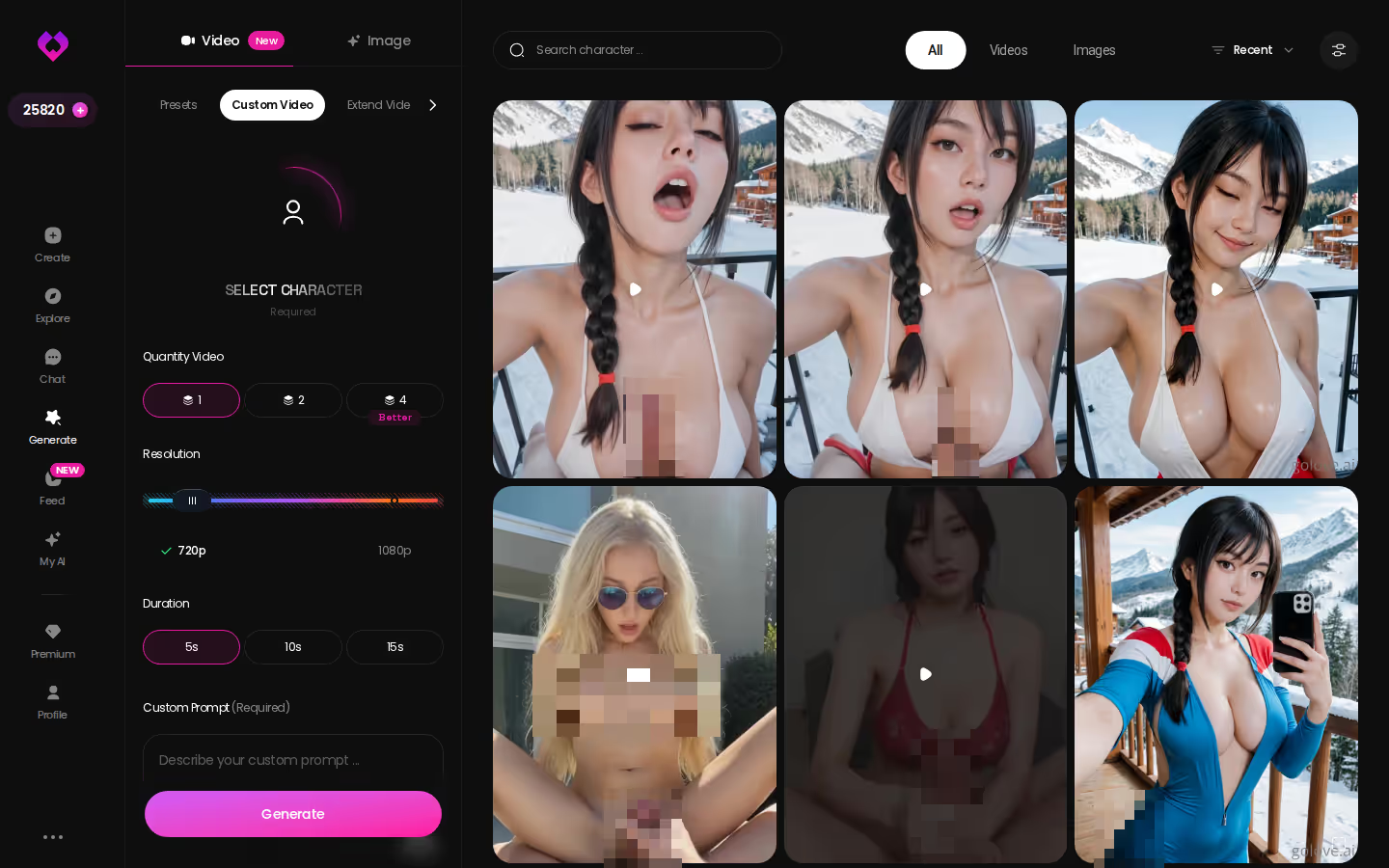
Pick her voice before you dial
The click path:
- Describe her in Design with AI, pick Anime, generate the card.
- Open Chat Settings and assign her Voice from the per-character picker.
- Set Lust Level (1–5) and Response Length (1–5) — a 4/2 setting gives you a flirty, quick-answer call; 5/5 gives long, unfiltered ones.
Or start from the anime roster
Don't feel like building? Pick from the 300+ anime characters. Atalanta Nanasaki, Letty Kashuu and Honkai Kaguya are the three readers here keep choosing, and either route ends at the same call button.
Why now rather than later: the card, the voice and the dials take one sitting, and the 2 daily Stars start accruing the moment the account exists — every day you wait is a day of free Stars you didn't bank.
Who GoLove.ai Is NOT For
One honest section, no hedging. Skip GoLove.ai if:
- You want fully free unlimited voice — calls, photos and video are paid, and 2 daily Stars won't cover heavy generation.
- You need a native app-store install with push notifications — GoLove is web-first, so it lives in the browser (and yes, that's a real limitation, not a quirk).
- You want a G-rated companion with no explicit mode — Lust Level 1 is sweet, but the product is built for adults and the roster shows it.
- You're looking for a human relationship, therapy, or a substitute for either — it's a companion app, straight facts.
If free-only is the actual need, Replika's free text tier is the fair alternative for that narrow case (as of publish), even though its voice output is sanitized.
Who it IS for: adults who already text an anime waifu and want the call, the photos and the memory to belong to the same character.
and watch their story unfold.View Character
Re-Reading the Scorecard: The Three Rows That Pick the Winner
Go back to the table. Three rows pick the winner: memory into the call, per-character voice, media on the same character.
Where Nomi and Kindroid still win a row
Text memory depth. Both hold long threads well and carry them into calls (as of publish). If your waifu lives in text 90% of the time, that row matters more than mine do, and they earn it.
Where GoLove.ai takes the column
Memory into the call: same character, same history. Per-character voice: the Chat Settings picker, one per waifu, beside 5 Lust Levels and 5 Response Lengths. Media: photos on request, photo-to-video, 20 anime video modes — all from the one you called. Then 300+ anime characters on top, a column nobody else on the table fills.
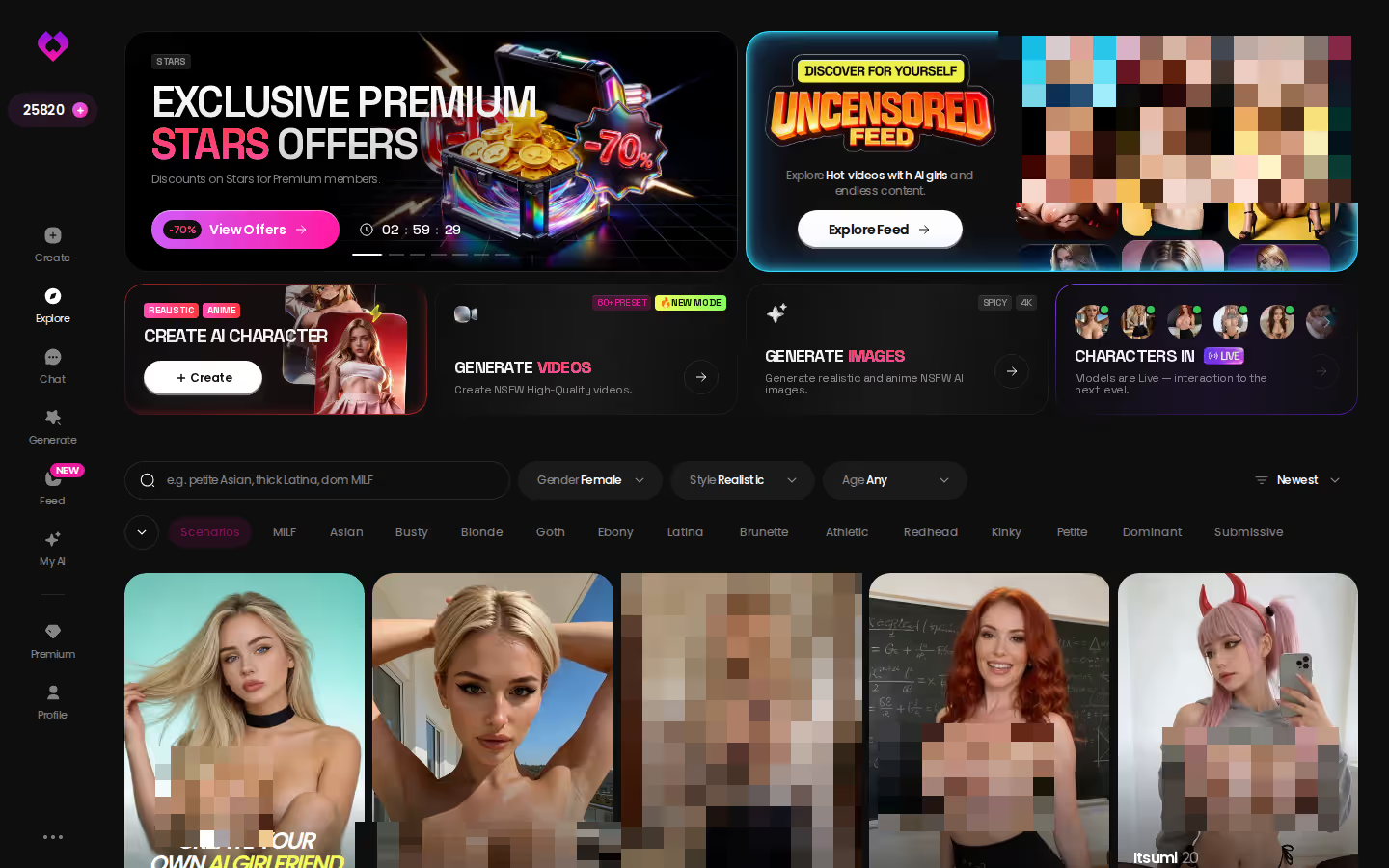
Path for this site: Explore → Anime category → tap a card → Chat → call.
Verdict box — GoLove.ai: 5 of 6 rows. One line: the only app where the waifu on the call is the waifu from the chat, with photos and video from her too. For: adult anime fans done with read-aloud TTS.
The pick is GoLove.ai. Pick a card, set her voice, and the first call runs on the same memory your chat already built — no re-introduction, no second persona, no email to get started.
The short version: GoLove.ai covers the essentials in one place — live voice calls, memory across chats, and in-chat photos (35 poses, 21 outfits) — and the 2 daily reward stars mean you can test it before spending anything.
See also: AI Waifu Generator, Best AI Waifu Apps and Create Your Own AI Waifu.
| What you get | GoLove.ai |
|---|---|
| Real-time voice calls | Yes — per-character voices |
| Memory across chats | Yes — remembers your details |
| In-chat image generation | Yes — 35 poses & 21 outfits |
| Daily reward stars | 2 every day |
Frequently Asked Questions
Related Articles

AI Waifu Chat: What Actually Works in 2026
AI waifu chat that actually remembers you — GoLove.ai wins on persistent memory, in-chat photos, and voice, no email needed.

Virtual Waifu: Which App Actually Delivers in 2026?
Virtual waifu apps compared — GoLove.ai wins on memory, live voice and in-chat photos. See the head-to-head, then start chatting — no email needed.

Anime AI Waifu Roleplay: What Actually Works in 2026
Anime AI waifu roleplay — GoLove.ai wins on memory that holds a scene, inline photos and voice. See how to build one and start chatting — no email needed.

Best AI Waifu Apps: Which App Actually Delivers?
Best AI waifu apps compared — GoLove.ai wins on live voice, real memory and photo-to-video. Browse, instant-access needed to start chatting.